22
REPORTS
END OF DAY REPORT (Z1)
At the end of the trading day, a Z report will be taken to give a breakdown of all
financial transactions. Turn the key to the ‘Z’ position on the control lock and
press the CASH button
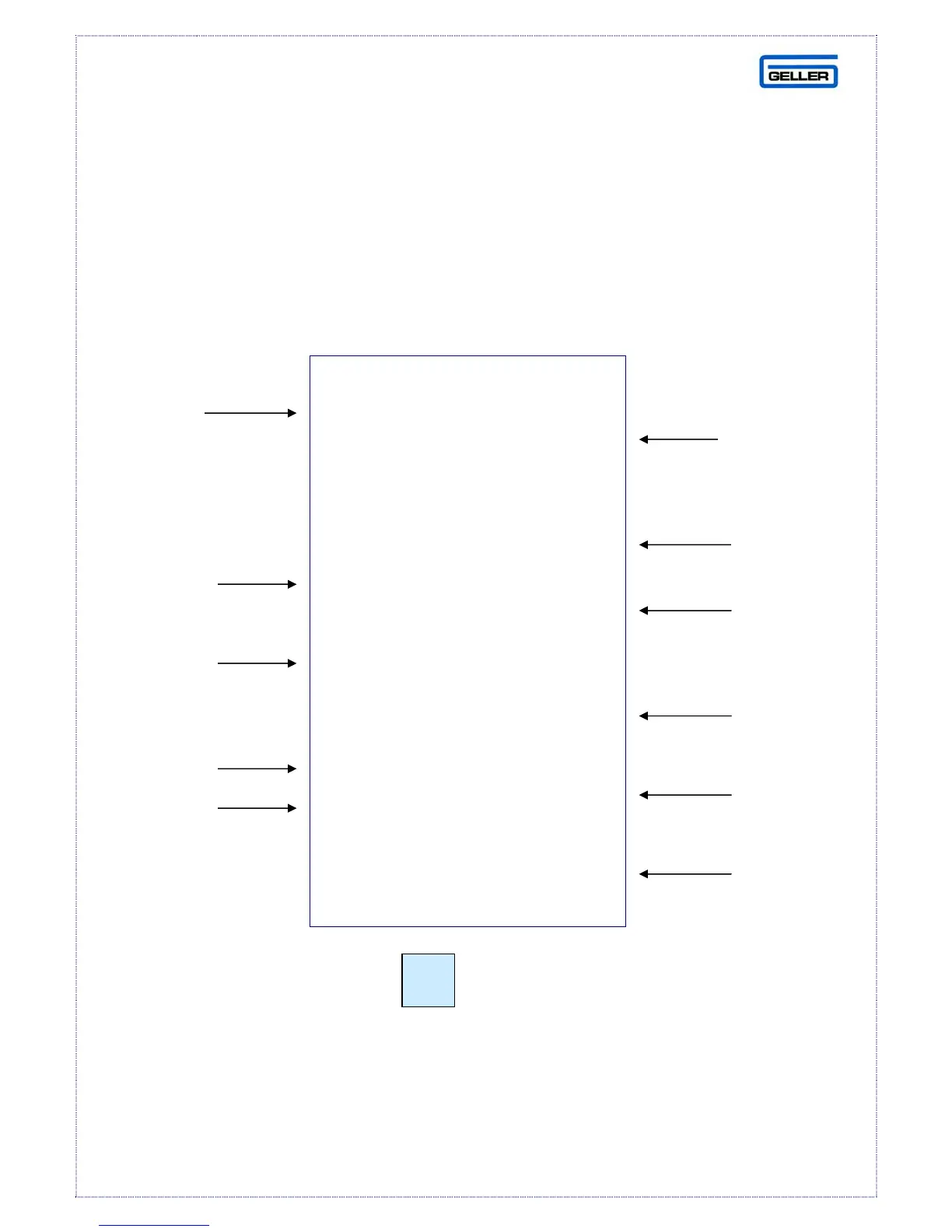
Here is an example of a Z report with detailed explanations of the totals
Please Note:
To take a Z2 report, press the button followed by the Cash. By
pressing the button before the Z1 report command will produce a Z2 report
equivalent
***** Z1 REPORT *****
STATIONERY 6Q
24.00
CARDS 10Q
12.00
DEPT TTL 16Q
36.00
GROSS 37.00
NET TL 36.00
VOID 1N
1.00
CASH 36.00
NO SALE 7.50
RPRT CNT Z1 6
NRGT 135.67
06-03-2007 10:45
Clerk 1 – No Sale 5
DEPT NAME
DEPT TOTAL &
QTY
OVERALL DEPT
TOTAL & QTY
TOTAL INC
VOIDS
NET TOTAL,
CASH, CHQ,
CARD TTL
VOIDS
AMOUNTS
CASH
TOTAL
NON ADD
TOTAL
REPORT
COUNTER
NON RESET
GRAND
TOTAL
OPEN
DRAWER
COUNTER
PO



 To Next Page