8
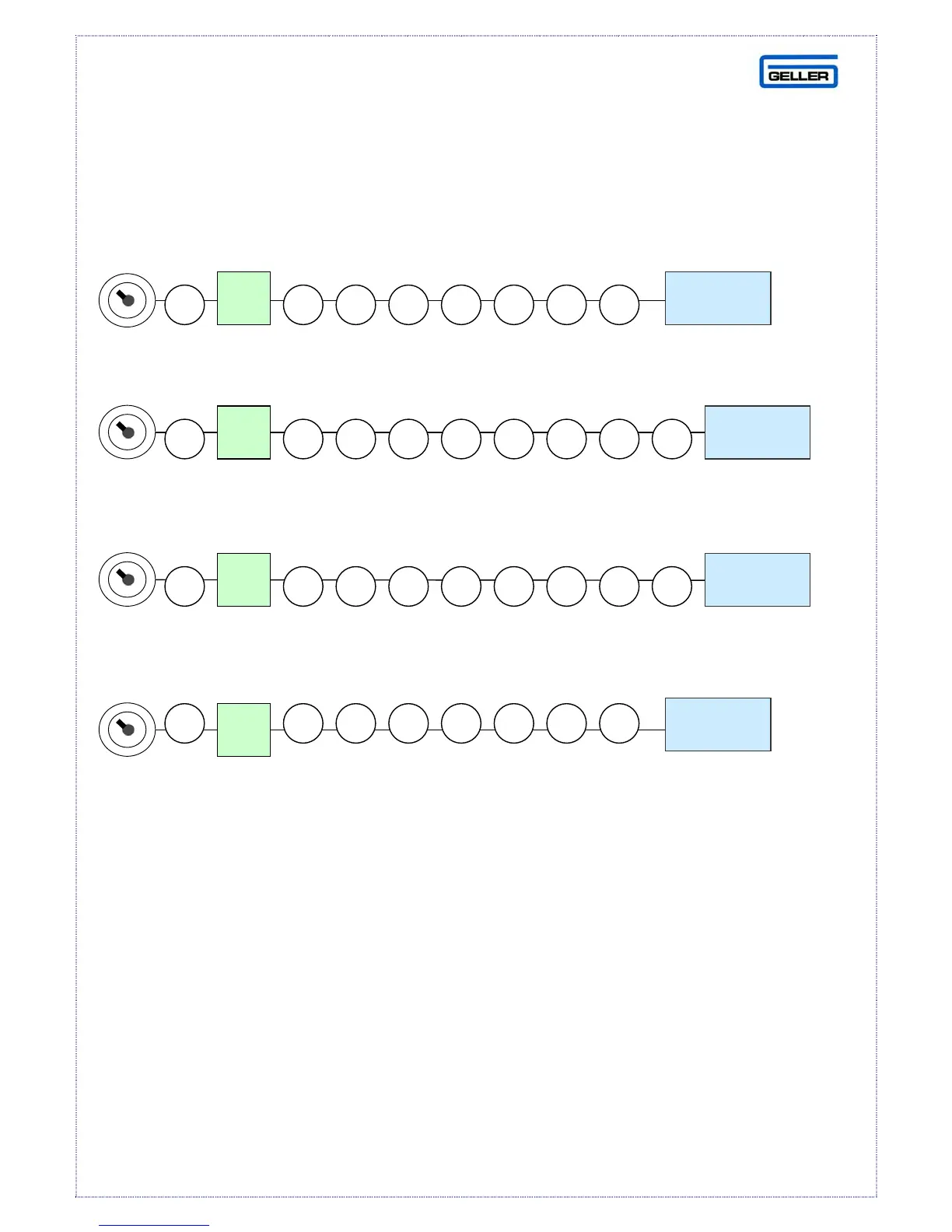
FLAG SET-UP PROCEDURE
The following flag settings will manually configure your AX-100
for a simple operation without the use of the David Software
(Decimal point, receipt print)
(Second receipt, programmable soft keyboard)
(Date format, full size font print)
(Card over tender, no electronic journal)
For an explanation of all the flags, please consult the manual
supplied with the machine.
RA
CASH
RA
CASH
RA
CASH
RA
CASH



 To Next Page