4
Installing the Paper Roll for the Receipt
1. Ensure the Control lock is in the ‘R’ Position
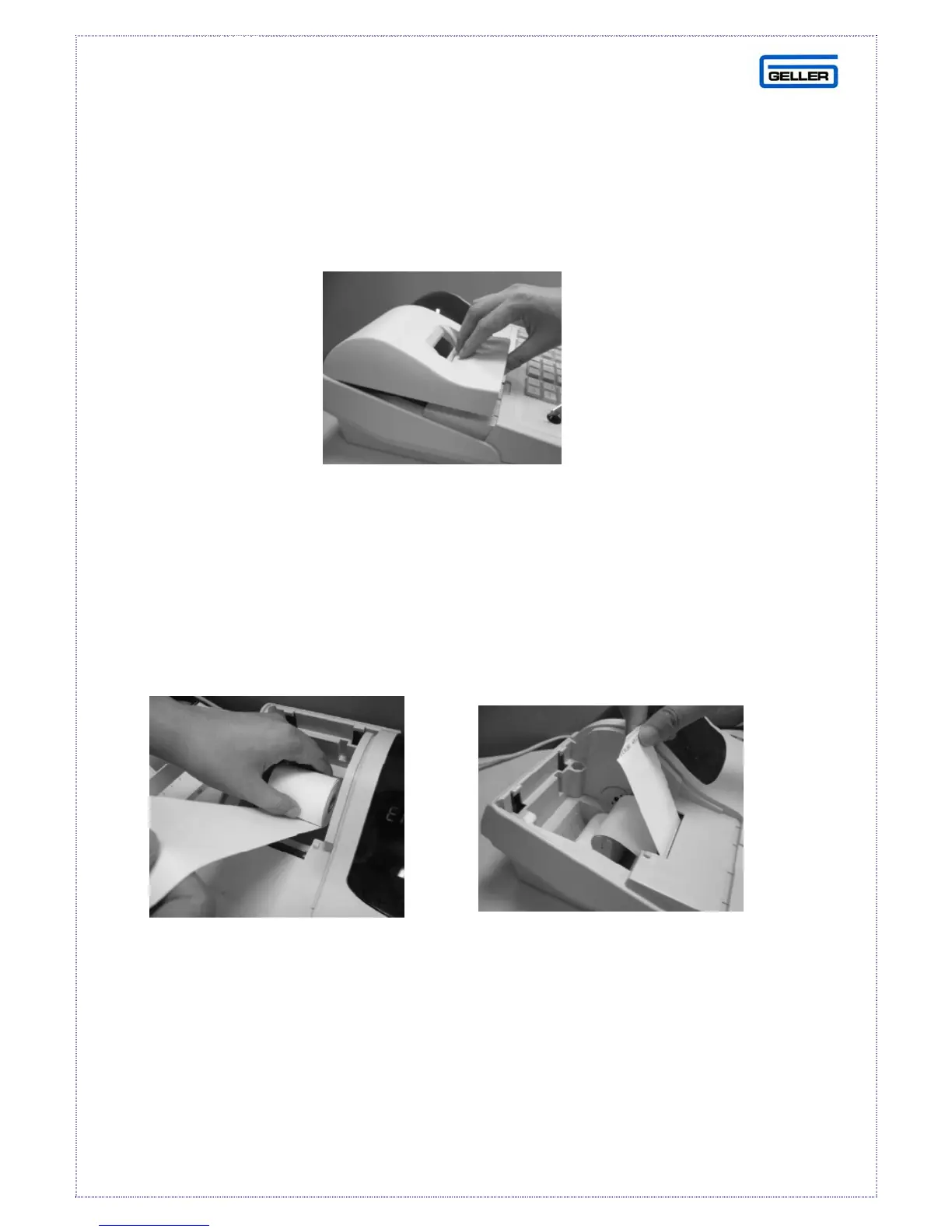
2. Simply lift up the printer cover from the front as shown below in Fig 2
Fig 2
3. Set the paper roll gently into the paper location as shown in Fig 3
4. Insert the end of the paper roll into the paper entrance as shown in Fig 4
(At this point the paper will feed automatically into position)
5. Press and hold the FEED button until approx 30cm of paper has fed through
6. Replace the printer cover, ensuring that the end of the paper is fed through
the paper tear off slot correctly.
Fig 3 Fig 4



 To Next Page