Document Reader AT10K User Guide Introduction
Page 13 of 29
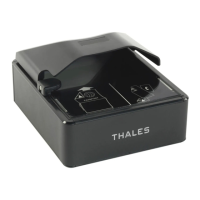
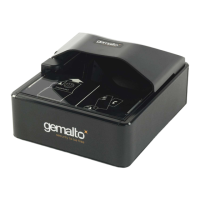
document window to scan them. The document window is slightly larger than ICAO 9303 requirements to
accommodate oversized documents.
The reader has document aligmnent guides on the left and rear and the user is advised to push the
document squarely into the far left corner for the most consistent reading results. Alternative alignment
guide formats, including without guides, are available on request.
Keep this surface clean to ensure optimum operation of the reader. See “Cleaning the reader” on page
22.
Back panel
The back panel features the USB host communication port, 2 USB ports for peripherals, a power supply
connector and a power switch.
The Kensington® Security Slot can be used to tether the reader to the workspace.
USB Ports
Communication to and from the host PC is via USB 2.0. The USB host interface is a standard Type B
connector.
A built-in USB hub and two auxilliary USB 2.0 Type A connectors allow you to connect additional USB
peripherals such as a mouse, keyboard, printer, etc. The two USB peripheral connectors are capable of


 To Next Page
 Loading...