06 - PRESET PROCEDURE SETTINGS
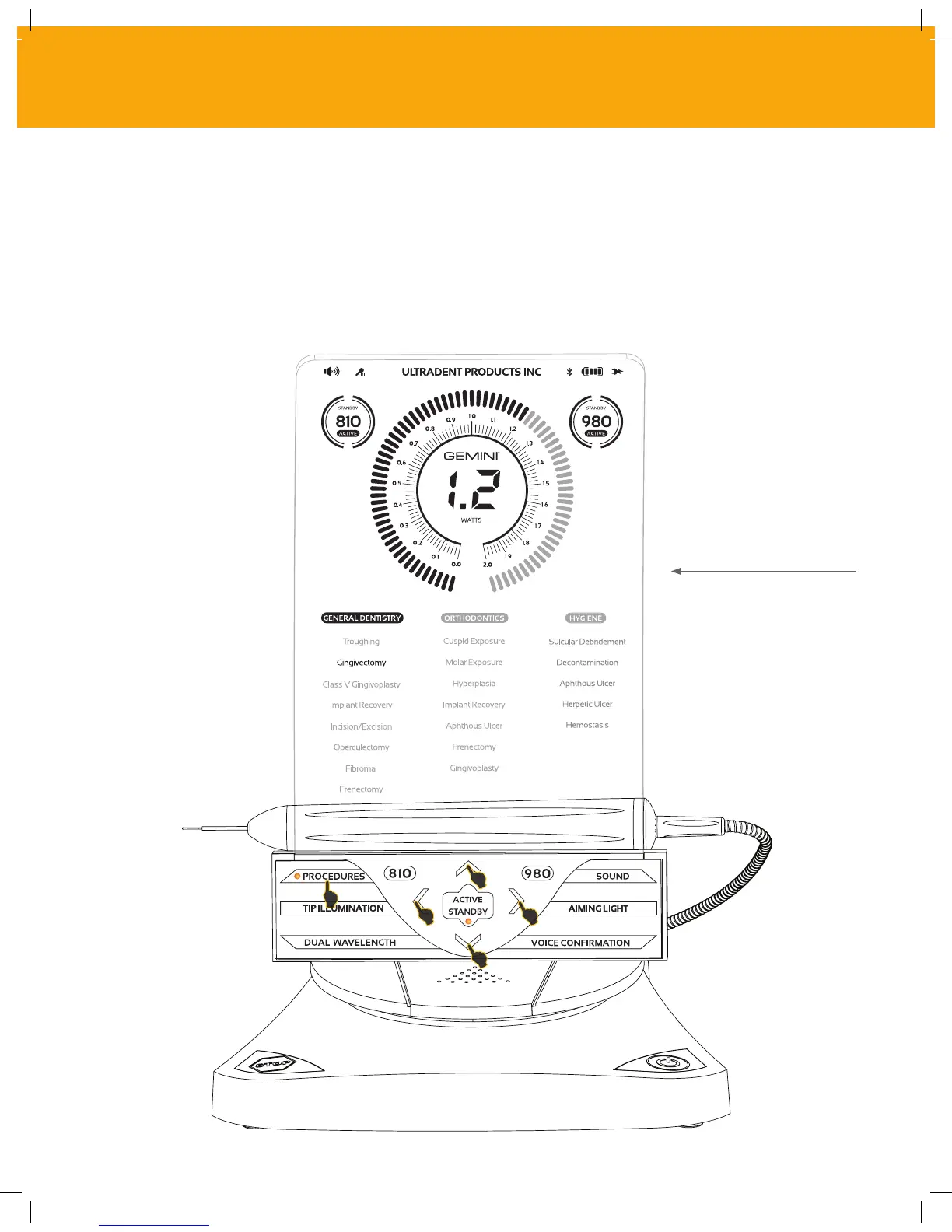
Touch the PROCEDURES selection to bring up all the preset procedures on the display. Selecting
the LEFT and RIGHT arrows will toggle between GENERAL DENTISTRY, ORTHODONTICS or HYGIENE
categories. Selecting the UP and DOWN arrows will toggle between procedures within each category.
The corresponding power setting for each procedure is displayed on the Power Indicator when the
procedure is highlighted.
A Simulated Screen showing the preset
Gingivectomy procedure and dual
wavelength mode selected.
CONTROLS, OPERATION & USE
19



 To Next Page