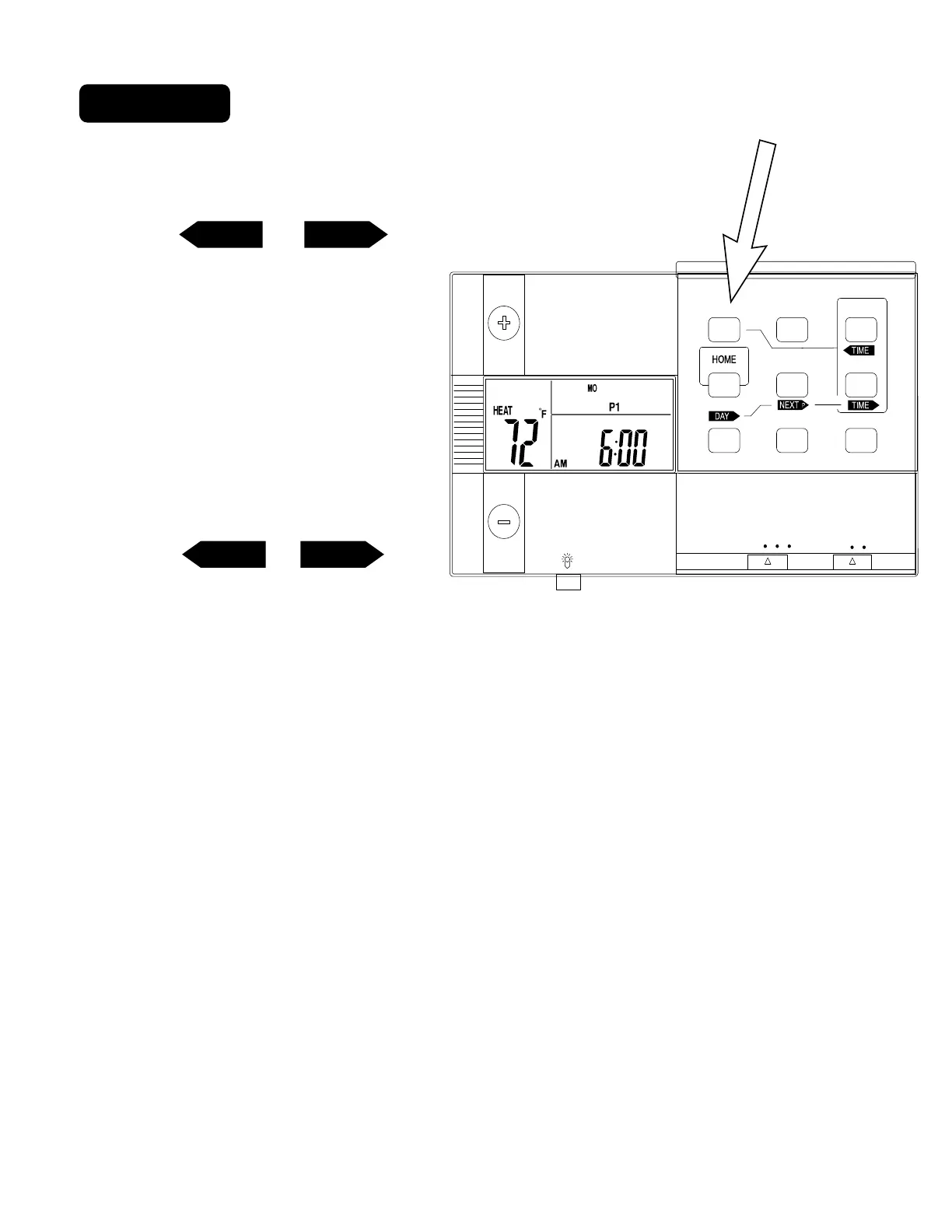
1 Set Clock
Set day of the week -
.
Press SET CLOCK once to set the day of the week. The
day of the week display flashes. (Initially SU for Sunday)
.
Press <TIME or TIME>
to select the day.
.
Press HOME to store your
settings. (If HOME is not
pressed in 60sec. unit will save
your last setting.)
Set time of day -
.
Press SET CLOCK twice to set
the time. The time display will
flash.
.
Press <TIME or TIME> to
set the time. Press and hold to
set the time in the fast mode.
.
Press HOME to store your
settings.
TIMETIME
TIMETIME
PG 2
HEATHEAT
COOLCOOL
OFFOFF
ONON
FANFAN
AUTOAUTO
PROGRAM
TEMP HOLDTEMP HOLD
COPY HOLD
REVIEW FILTER
FILTERFILTER
TIME SLOTTIME SLOT
TIME SETTIME SET
SDPSDP
SET CLOCKSET CLOCK



 To Next Page