Swing
PG 7
SPD
4 Special Features
.
The "Special Day Program" can be used when you are
unexpectedly home or going onvacation and need to
activate an alternate heat / cooling program.
.
With the MODE switch in HEAT or COOL press the
SPECIAL DAY button.
.
When the SPECIAL DAY Program is active, all other day settings are ignored
.
The SPECIAL DAY program will terminate when the mode switch is moved or if the
SPECIAL DAY button is pushed again.
.
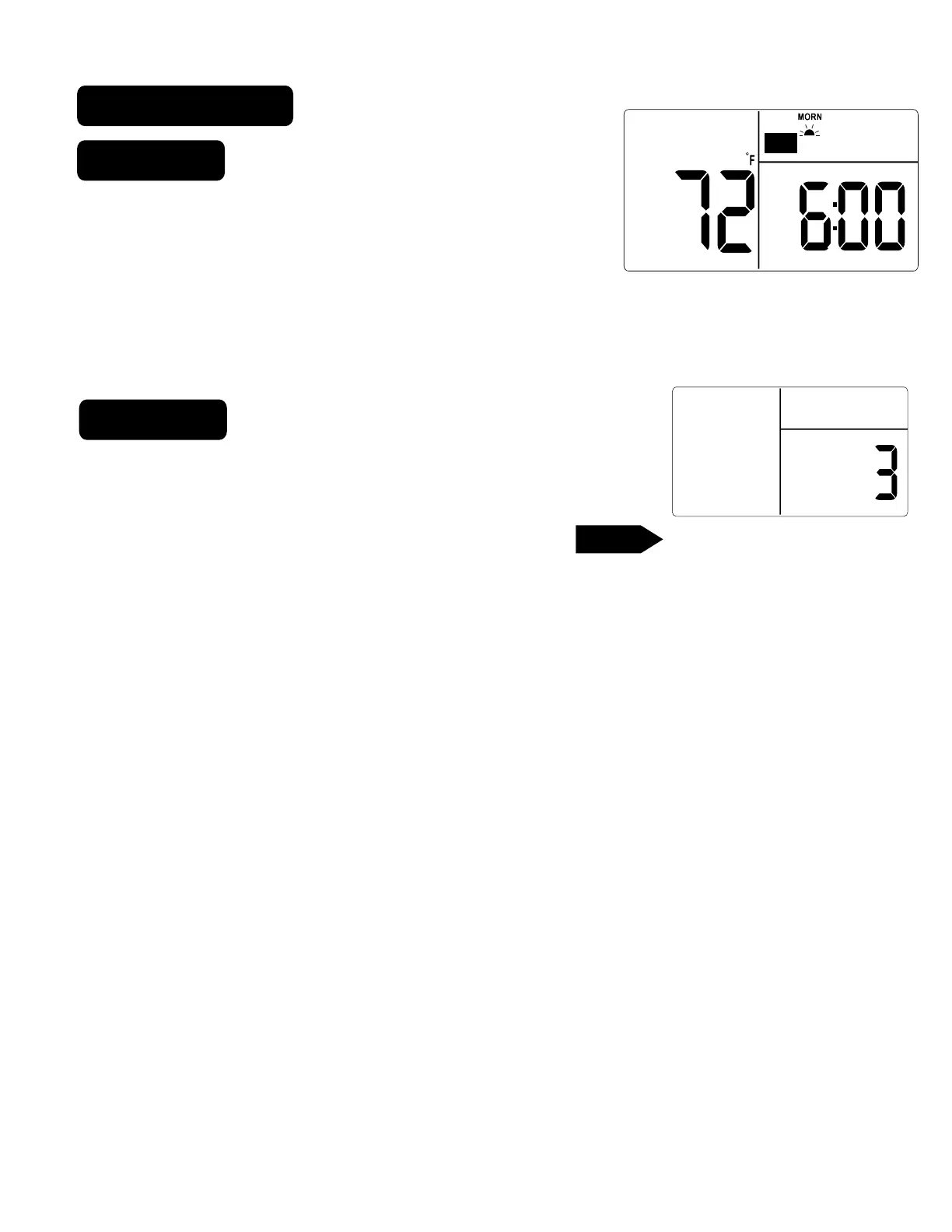
Swing setting determines the temperature difference from ON
to OFF that the thermostat will command the heating/cooling
system to run.
.
With the MODE switch in HEAT or COOL, press the
button.
.
The SET TEMP SWING icon is displayed. The current setting of temp swing is shown on
the display (default at 3 ).
.
To change the swing, push TEMP UP or TEMP DOWN buttons. The furnace will cycle
more at the lower numbers as it tries to keep your set point constant.
.
To complete the swing setting, push the HOME button.
TIME
TARGET TEMP
ROOM TEMP
SPD
AM
HEAT
PROGRAM
SWING



 To Next Page