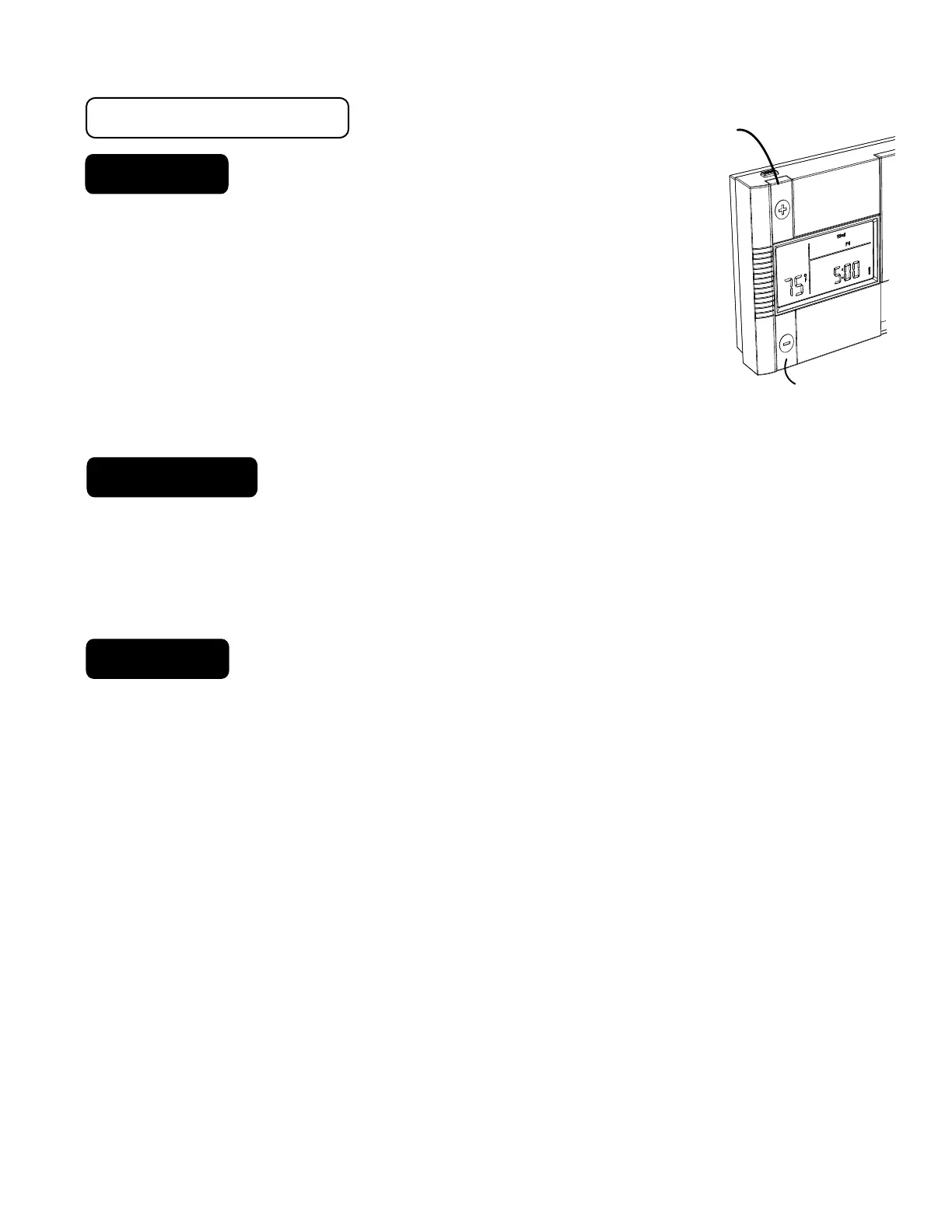
DOWN-button
button
UP-button
Manual
.
With the MODE switch in HEAT or COOL, push the UP or
DOWN button buttons to temporarily change the control
temperature by 1 degree per step. Press and hold for faster
setting.
.
The OVERRIDE icon comes on which shows the displayed
temperature may be different from the programmed setting.
.
The OVERRIDE is canceled at the start of the next time period,
or when the MODE switch is moved, or if
TEMP
HOLD
is pressed again.
TEMP HOLD
To change and hold the temperature until you return.
.
Open the door and push the
HOLD
button. The HOLD icon comes on.
Push the UP or DOWN button buttons to set the hold temperature.
.
HOLD is canceled if MODE switch is moved, or by pressing
HOLD
again.
Back Light
.
Press Back light or any button for 16-20 sec of light. Press and hold for longer light.
PG
8
4 Special Features cont.



 To Next Page