3 Program
.
Select HEAT with the HEAT/Cool MODE switch.
.
To select the day you want to program: Press
PROGRAM to enter programming mode. The
PROGRAM
icon will come on. The day icon will
show
SU
(Sunday). Pressing again will
advance the day selection.
.
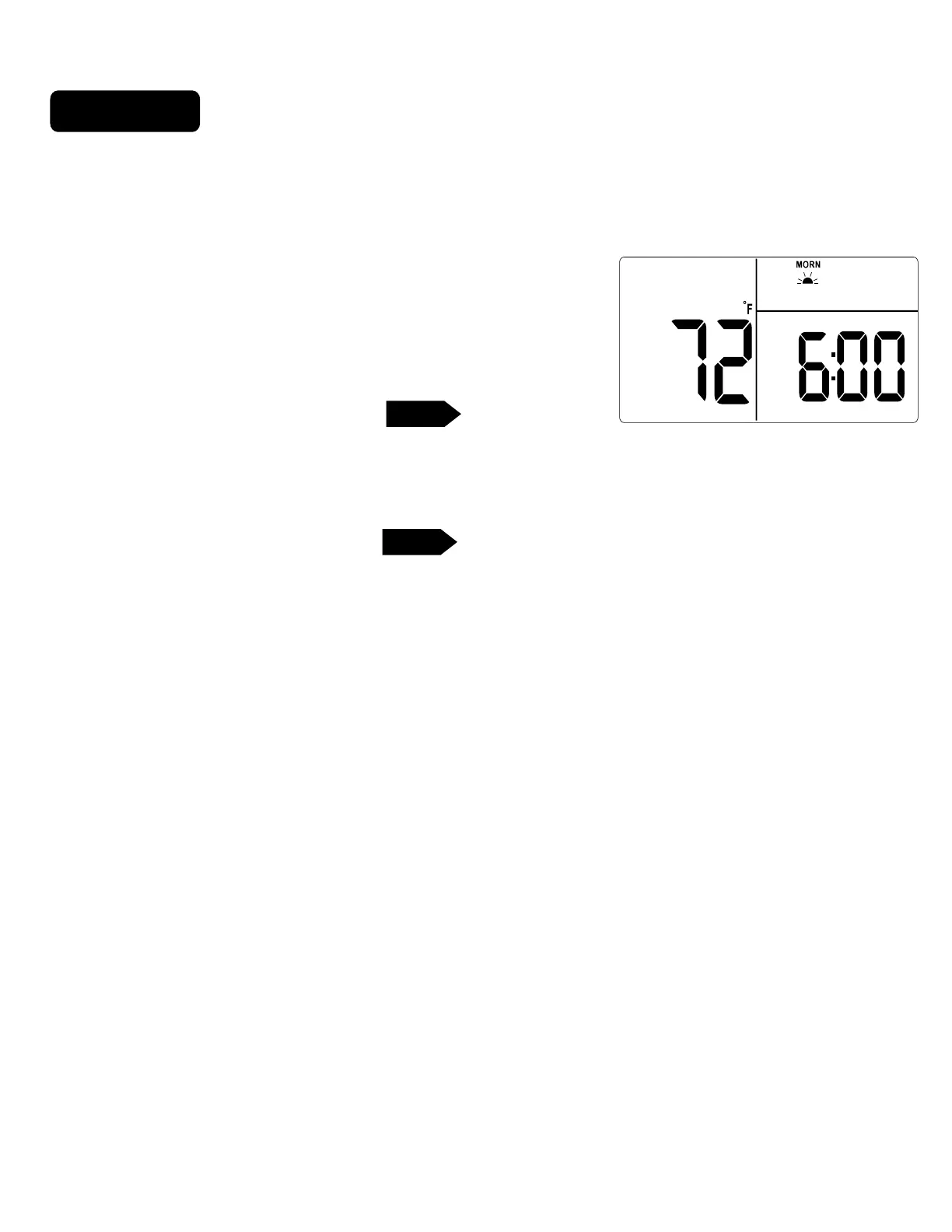
Select the TIME SLOT you want to program: To change the TIME SLOT
(
Morn, Day, Eve, Nite
) press the NEXT button. The display will cycle through
the time periods in sequence. Select
Morn.
.
Select the desired temperature for that TIME SLOT : To change the
temperature for that TIME SLOT press the TEMP UP / TEMP DOWN
buttons.
NOTE: 60 Second Rule-During programming, if a button is not pushed
within 60 seconds, the unit will go out of the set mode. Everything you have
input in this programming will automatically be saved.
NEXT
P
DAY
PG 4
TARGET TEMP
ROOM TEMP
MO
AM
HEAT2
PROGRAM



 To Next Page