General Dynamics Itronix | 72-0136-005
GD6000 User Guide
Getting Familiar With Your Computer
# Icon Function LED Description
1 Power Steady Green Computer is on and operating.
Blinking Green Computer has suspended to RAM.
2
External Power Steady Green Power is on and external power is supplied from the AC Adapter connected
to a wall outlet, a vehicle-mounted dock, a vehicle power adapter, or an
office dock.
3
Battery Power Steady Green Battery is charging.
Blinking Green
Battery is low.
notes If the computer is not plugged into external power
within a few minutes, it will go into a Suspend Power Mode. If the com-
puter is radio-equipped and is in the middle of communication, it will sus-
pend power to the radio when the battery is low. The computer must then
be plugged into external power to continue radio communication.
No Light The battery is fully charged or a main battery pack is not fully inserted.
4
Touchpad Steady Green Touchpad is activated.
No Light Touchpad is disabled.
5
Hard Disk Drive Blinking Green Computer is reading from, or writing to the built-in hard disk.
6
Optical Disk Drive Green DVD/CD drive is installed.
7
Num Lock Steady Green Keyboard is in Num Lock mode.
8
Caps Lock Steady Green Keyboard is in Caps Lock mode.
9
Scroll Lock Steady Green Keyboard is in Scroll Lock mode.
10
WLAN
Communication
Steady Green Wireless LAN radio is on.
11
Bluetooth
Communication
Steady Green Bluetooth radio is on.
12
GPS
Communication
Steady Green GPS radio is on.
13
WWAN
Communication
Steady Green WWAN radio is on.
LED Status Indicators
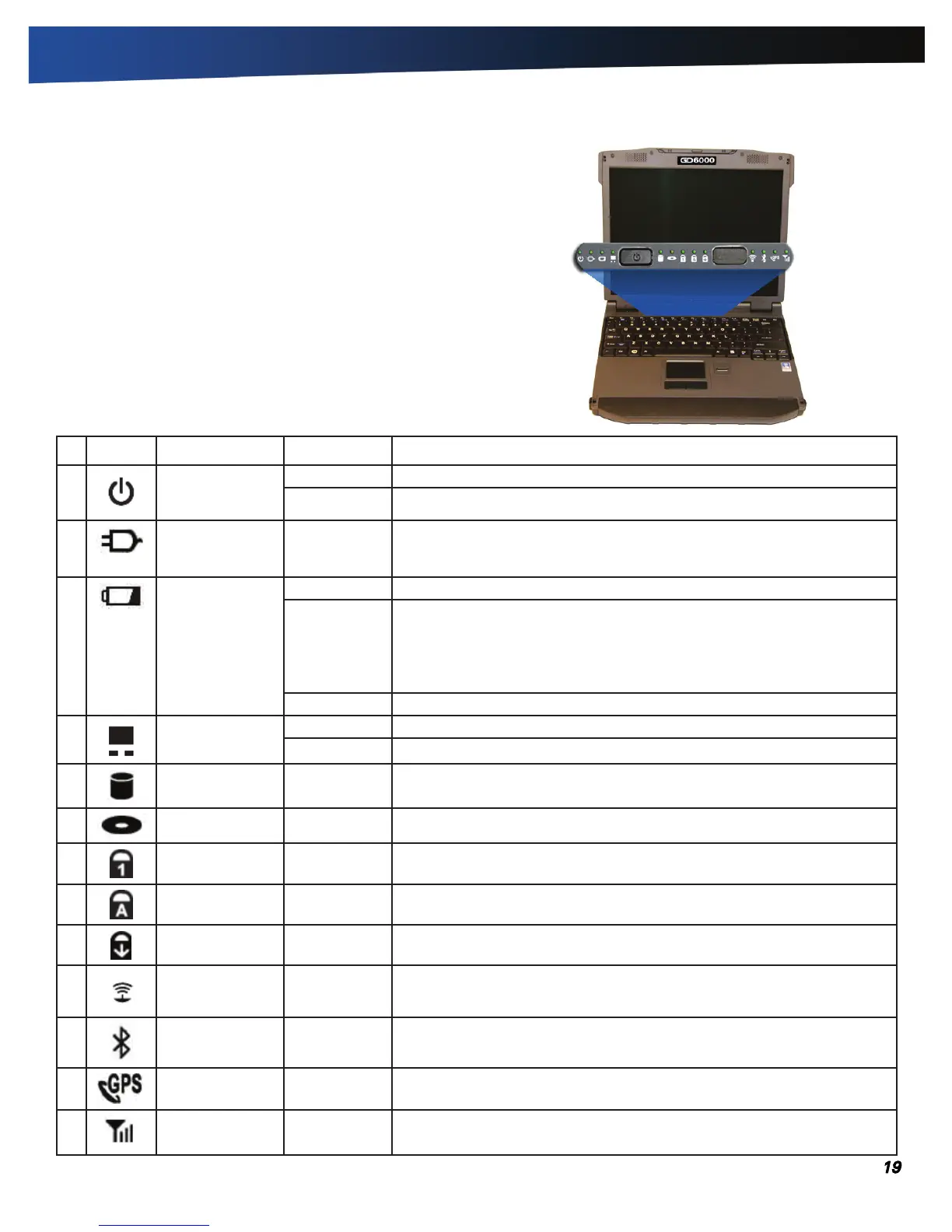
Thirteen easy-to-read LEDs (Light Emitting Diodes) under the
display screen indicate activity status for common functions.
note Some of the features associated with these LEDs are
options and may not be included in your computer’s configura-
tion.



 To Next Page