General Dynamics Itronix | 72-0136-005
GD6000 User Guide
Customizing Your BIOS Settings
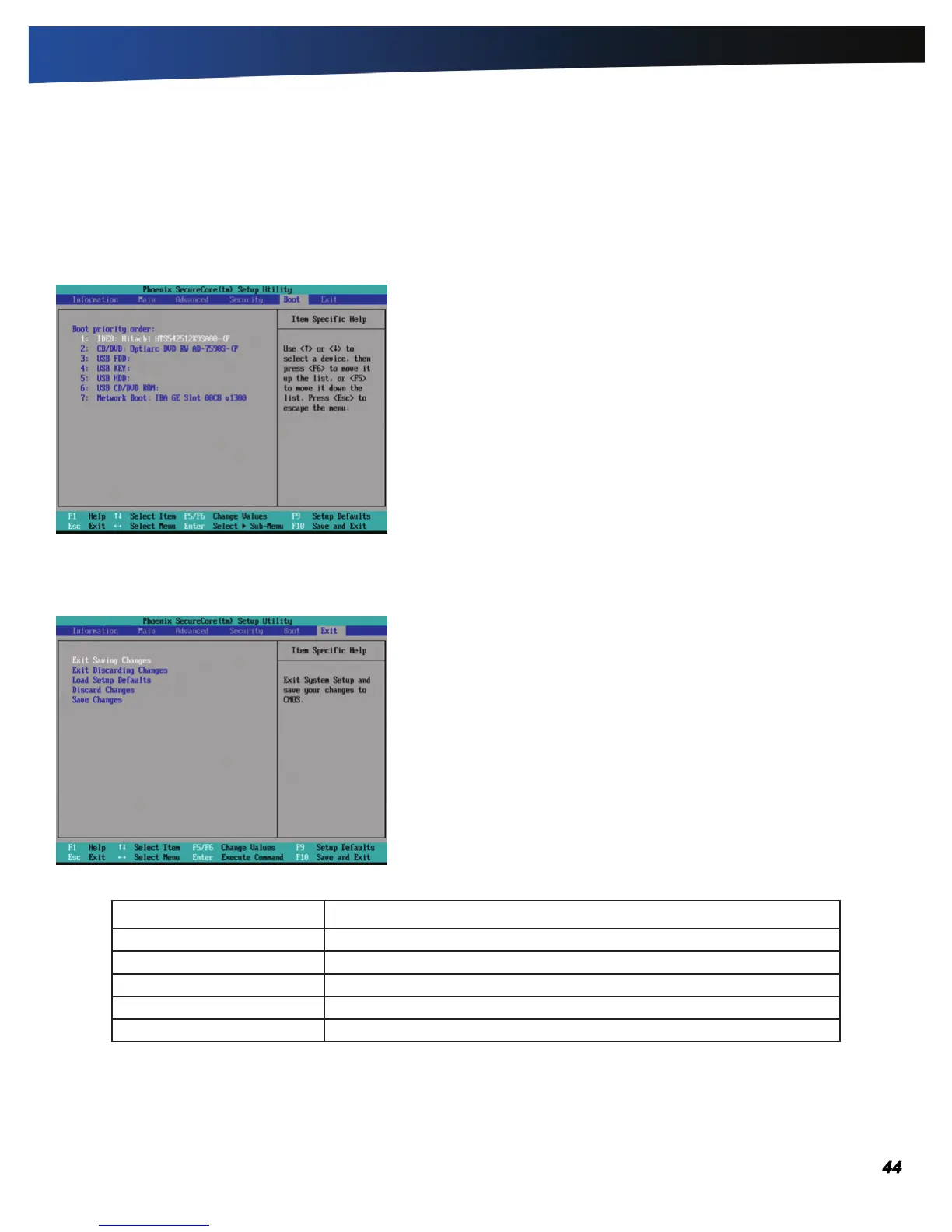
The Boot Menu
Use this menu to set the order of priority for devices from which the system will boot. Your computer automatically detects the
available devices. When you select a device, it is disabled in the other boot device fields.
To change the priority order, use the up and down arrow keys to highlight a device. Then press F5 or F6 to move the device
higher or lower on the priority list.
The Exit Menu
Field Function
Exit Saving Changes Exit the Setup Utility and save the changes to CMOS.
Exit Discarding Changes Exit the Setup Utility without saving Setup data to CMOS.
Load Setup Defaults Load Optimal “ factory” default values for all Setup options.
Discard Changes Load the previously set values from CMOS for all Setup options.
Save Changes Save any changes made and exit Setup.



 To Next Page