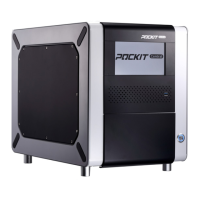
POCKIT™ Central Nucleic Acid Analyzer
10
Select OK to complete language setting.
Press On/Off to choose between 12-hour or 24-hour
mode.
Set the Date & Time by pressing the up and down
arrow keys on the touch screen to move between
day/month/year or hour/minute/second settings.
Users can also press the numbers on the calender to
set the date.
4.5 Setting Basic Information
Go to Home > Basic Settings > Set Up Location & Operator
Touch the blank bar to enter/edit location and
operator information.
Press + icon to create a new Operator.


 To Next Page