17
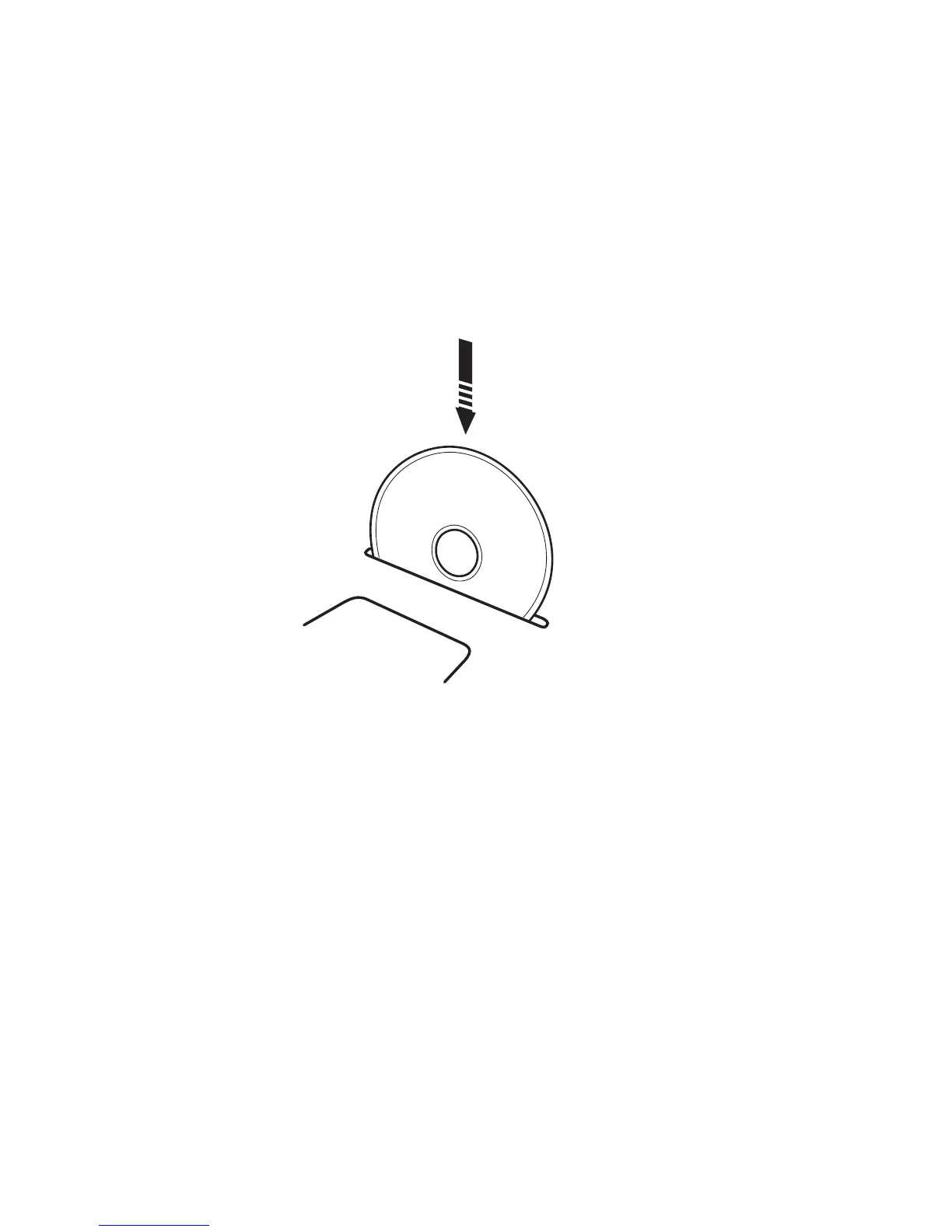
Listen to a CD (more details on page 22):
Step 1. Insert the CD into the slot – make sure the printed side of the CD is facing the front of the
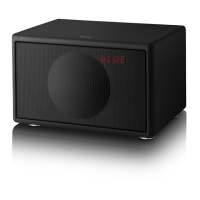
Cabinet (see temporary label next to CD slot for loading instructions). The LED Display under
the grille should display “CD” and the CD should start playing automatically. If the display
does not light up then check that the main Power Switch on the Bottom Panel under the
Cabinet is turned on and that the AC power cord is correctly inserted in to functioning AC
outlet. If you still cannot hear any sound, check that the volume is turned up by adjusting
the “+” volume key.
Step 2. You can navigate the CD player by using the Stop, Play/Pause, Skip/Fast Forward and
Skip/Fast Reverse keys on your remote control.
Step 3. To remove the CD, either press the Eject key on the remote control or the Eject key next
to the Universal Dock under the lid on top of the Cabinet.
Listen to the FM radio (more details on page 24):
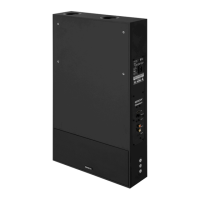
Step 1. Connect the External Antenna to the External FM antenna connector on the Bottom
Panel under the Geneva Sound System.
Step 2. Press the FM button on the remote control and the LED Display under the grille should
display an FM frequency, e.g. “103.2”. If the display does not light up, check that the main
Power Switch on the Bottom Panel under the Cabinet is turned on and that the AC power
cord is correctly inserted into a functioning AC outlet. If you still cannot hear any sound,
check that the volume is turned up by adjusting the “+” volume key.
Step 3. Select an FM station with the << and >> keys.


 To Next Page