25
How to store your favorite FM radio station in a preset?
1. Select your favorite radio station using the << or >> keys on the remote control.
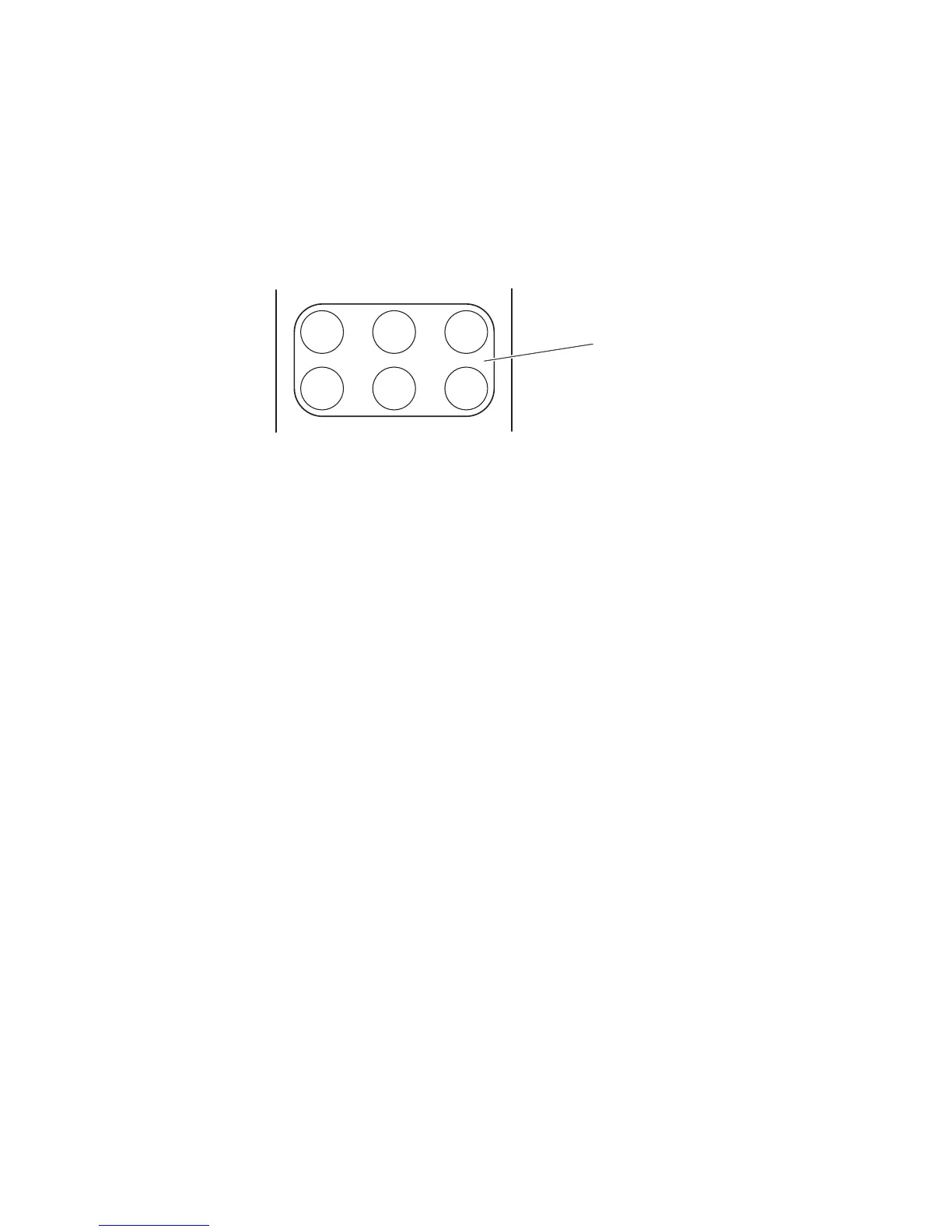
2. You have six presets (a preset memorizes the frequency of the station) available – these are
the following six keys on your remote control:
3. Select one of the 6 preset keys on the remote control, and hold it down until ‘store’ appears
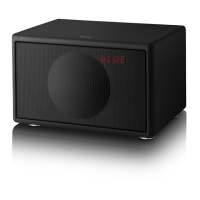
on the LED display in the Grille of the Geneva Sound System. The station has now been
stored and can be retrieved using the selected preset key.
How to play a FM radio station that is stored in the presets?
1. Press the FM key on the remote control.
2. Simply press one of the six preset keys once and the stored FM station will be received.
How to erase or overwrite a preset?
Stored presets do not need to be erased - just use the steps set out in 3.13 above to overwrite
an existing preset and to store a new radio station in a preset.
How to connect the FM Radio Antenna?
The Geneva Sound System is FM ready and it has a built-in FM tuner. To get radio reception you
need to connect the External Antenna that is enclosed with the accessory bag.
You find the External Antenna Connector under the Geneva Sound System on the
Bottom Panel.
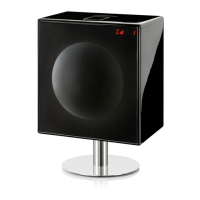
Note: If you use the special Geneva aluminum floor stand with the Geneva Sound System, you
can fold the External Antenna and place it within the tube. The assembly manual provided with
the stand sets out the details on how to do this.


 To Next Page