23
How to play 3.1 inch (8 cm) CDs?
This CD player can play regular 4.7 inch (12 cm) CDs, as well as 3.1 inch (8 cm) CDs.
Warning – DO NOT INSERT mini CDs, non-circular CDs or any other CD’s that are not regular 4.7
inch (12 cm) or, 3.1 inch (8 cm) round CD disks into the disc player. These do not work with the
CD player, and might destroy the player mechanism or be impossible to Eject.
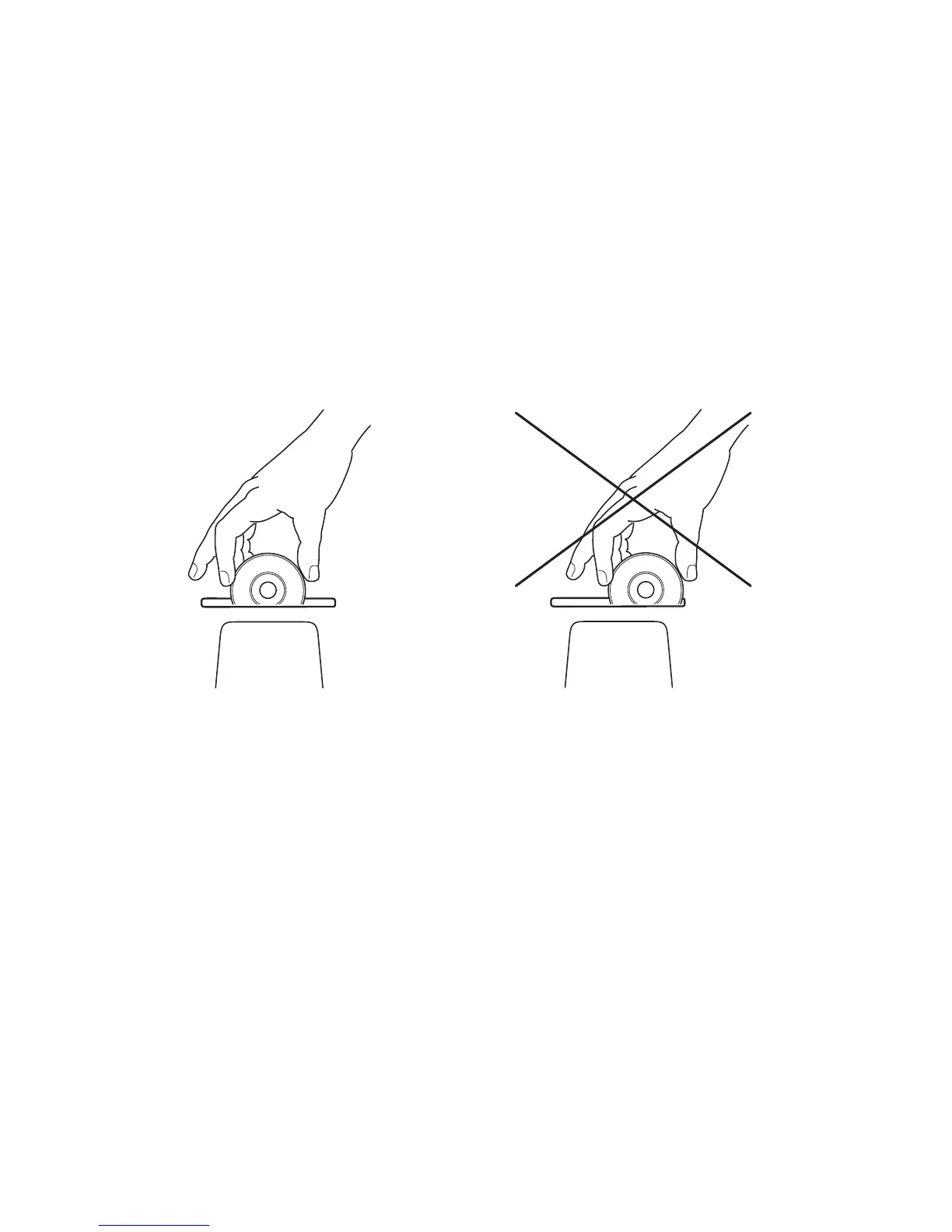
To insert a 3.1 inch (8 cm) CD, place the disc exactly in the middle of the slot and insert it. The
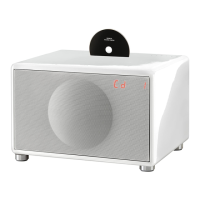
Geneva Sound System is delivered with a temporary label that shows exactly where to place
a 3.1 inch (8 cm) CD and in which direction the CD label should be facing. This label may be
removed after notice.
How to play CD’s with MP3 and other formats?
The built-in CD player supports CD-DA, CD-R, CD-RW, CD-ROM (both single and multi
session) and MP-3 formats. The CD player will play CD’s in these formats exactly as it plays a
regular audio CD.
How to play MP3 CD-R/W with several Albums?
It is possible to organize MP3 files with directories (folders) on a CD-R/W. The Geneva Sound
System will play such a hierarchy in a simplified way - all files are played as if they would be in
one large directory.


 To Next Page