24
FM Radio:
How to control the FM Radio using the remote control?
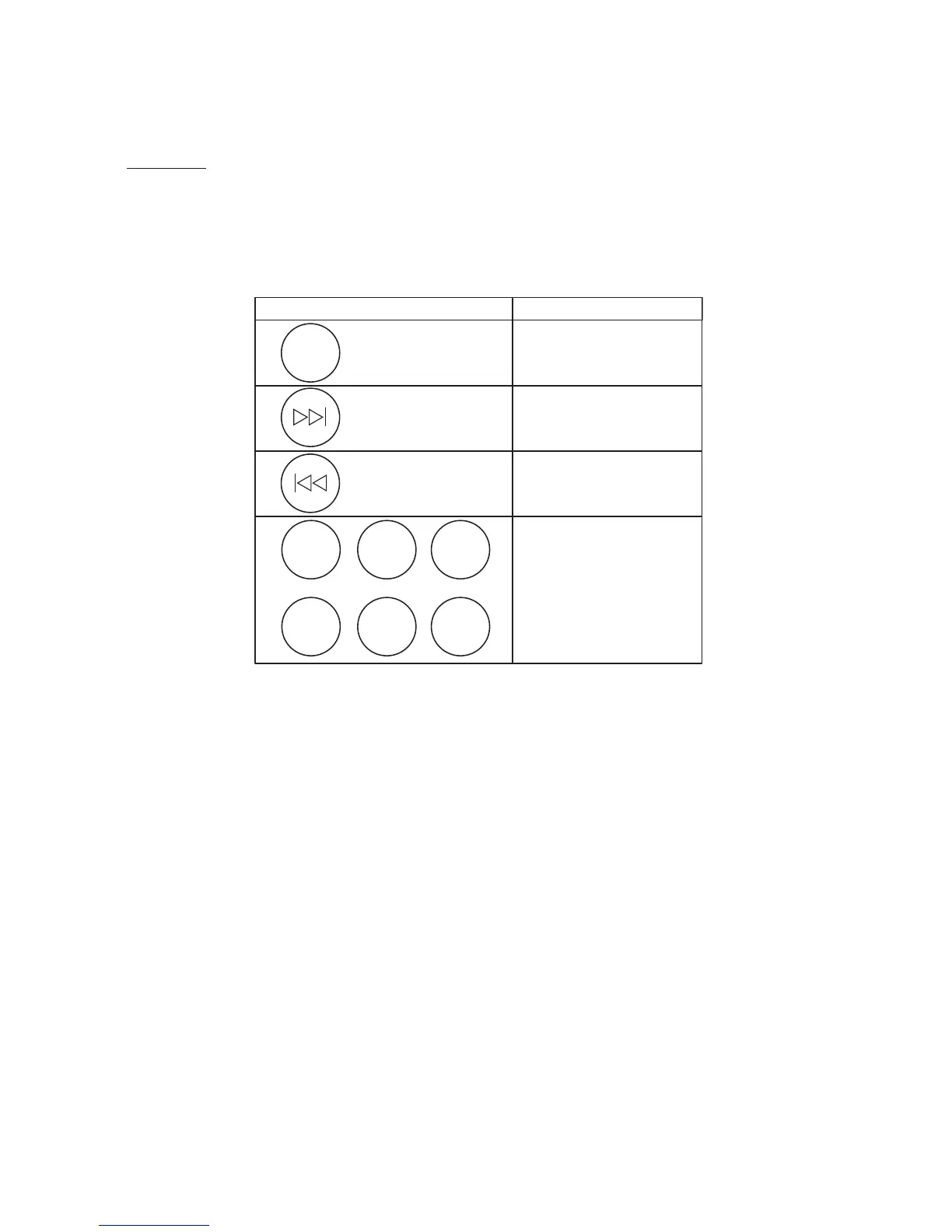
You can control the built-in FM Radio using the remote control supplied with the Geneva Sound
System. Simply follow the instructions in the table to the right to perform control the various
functions:
How to select a FM radio station?
1. Press ‘FM’ on the remote control
2. Use the << or >> keys to select a station: one click increases or decreases the frequency by
0.1 MHz.
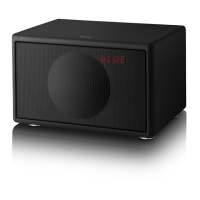
3. The number on the LED display under the Grille indicates the current frequency (e.g. 88.7 means
88.7 MHz)
4. To scan through frequencies, hold down the << or the >> key for a few seconds and the
FM radio searches for the next station automatically. When a station has been found, the
automatic search stops. To keep scanning, repeat the action.


 To Next Page