9
GPS POINT ALERTS:
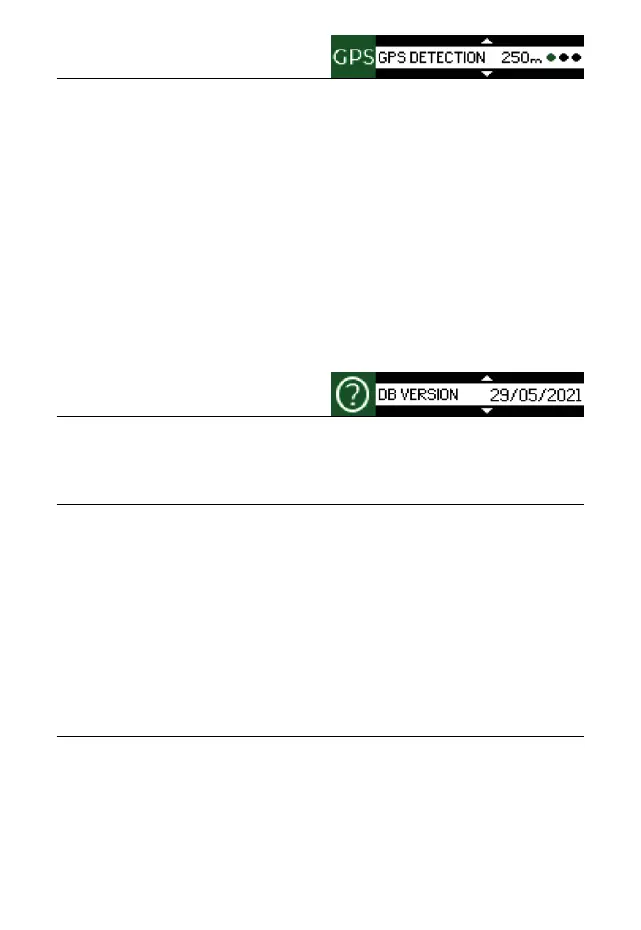
ALERT DISTANCE: 250m / 350m / 450m (setting the distance of station-
ary speed cameras, section speed cameras, danger-
ous spots and your own GPS points). Red-light cams
are set at 250m.
OVERSPEED: -10 km/h to +10 km/h (setting of possible speeding
without warning).
SPEEDCAM: ON/OFF
AVERAGE SPEEDCAM: ON/OFF
RED-LIGHT CAM: ON/OFF
DANGEROUS SPOT: ON/OFF
USER AREA: ON/OFF
LOCKOUT THE FALSE
ALERT LOCATION: During an alert, by long pressing any button, sup-
press the false alert location.
ADD YOUR OWN
GPS POINT: Long press any button to add your own GPS point.
INFO:
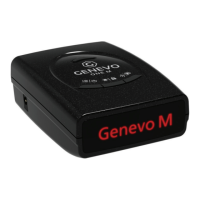
This section contains information about the rmware version, database
version, device serial number, contacts and more.
SPEEDMETER - LEGALIZATION FUNCTION:
This feature is used to legalize the device for use in countries where the radar
detectors are prohibited. The detector stops alerting to radars and lasers.
Only your current speed will appear on the display and all radar and laser
detection settings will disappear from the menu. When entering the radar
settings submenu, a notication of deactivated functions will appear.
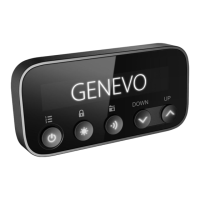
To activate the Speedmeter, the detector must be turned ON, hold down the
“Brightness control” and “Increase the volume” buttons simultaneously for
5 seconds. To deactivate the speedmeter function, it is necessary to update
the detector in the usual way and all functions will be fully functional again,
for help with updating continue to DATABASE UPDATE.
DATABASE UPDATE:
It is recommended to update the GPS database once a month. The detector
can be updated in two ways:
1. Simply online for WIN and MacOS at: www.genevoupdate.com
2. By downloading the updater software for Windows OS at:
www.genevo.com/en/updates/
On these websites, you will nd help on how to update and also a newsletter
form, so we will keep you informed about every newly released update.


 To Next Page