13
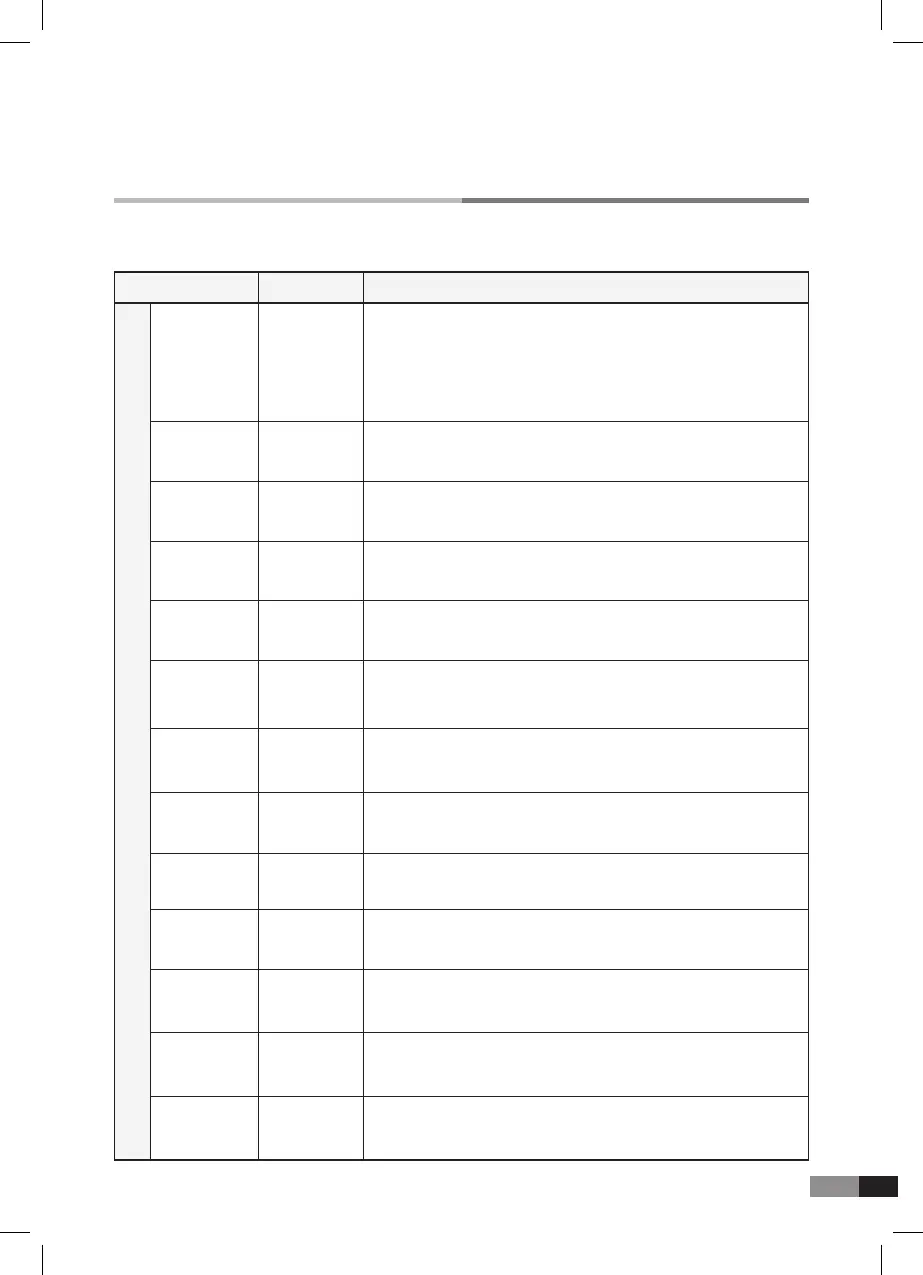
D. Description of the Parameter of the User’s Edit mode
Description of the parameter
Parameter
The GENIO PREMIUM
α
contains 128GM compatible sounds
which can be selected for each channel.
Press either [▼] Value or [▲] button to select the sounds required
for each channel.
To turn off the channel, press [▼] Value + [▲] buttons together.
Program
Instrument
High key sets the highest key of the effective key range of each
channel.
Key High
High velocity sets the highest velocity of the range you want to set.High Velocity
Range
000-127
Volume adjusts the loudness of the sounds of each channel.Volume 000-127
Reverb sets the amount of the reverb effect for of each channel.Reverb 000-127
The chorus effect broadens the spatial image of the sound.Chorus 000-127
Low key sets the lowest key of the effective key range of each
channel.
Key Low A0~C8
A0~C8
Low velocity sets the lowest velocity of the range you want to set.Low Velocity 1~127
1~127
It is the function of controlling the Velocity value by adding or
deducting to control the volume size.
Velocity Shift 0~127
Velocity sets the activate of the velocity of each channel.Velocity Off Enable,
Disable
Left pedal parameter sets the function of the left pedal to be Soft
like an acoustic piano, Sostenuto or disable.
Left Pedal Soft,
Sostenuto
PAN sets stereo simulation of the sound sourcePanning L63~R63
Transpose sets the pitch of the program of the each channelTranspose ± 24semitone
Channel Parameter



 To Next Page