18
Metronome
Using the built-in metronome function, you can practice with correct tempo and beat.
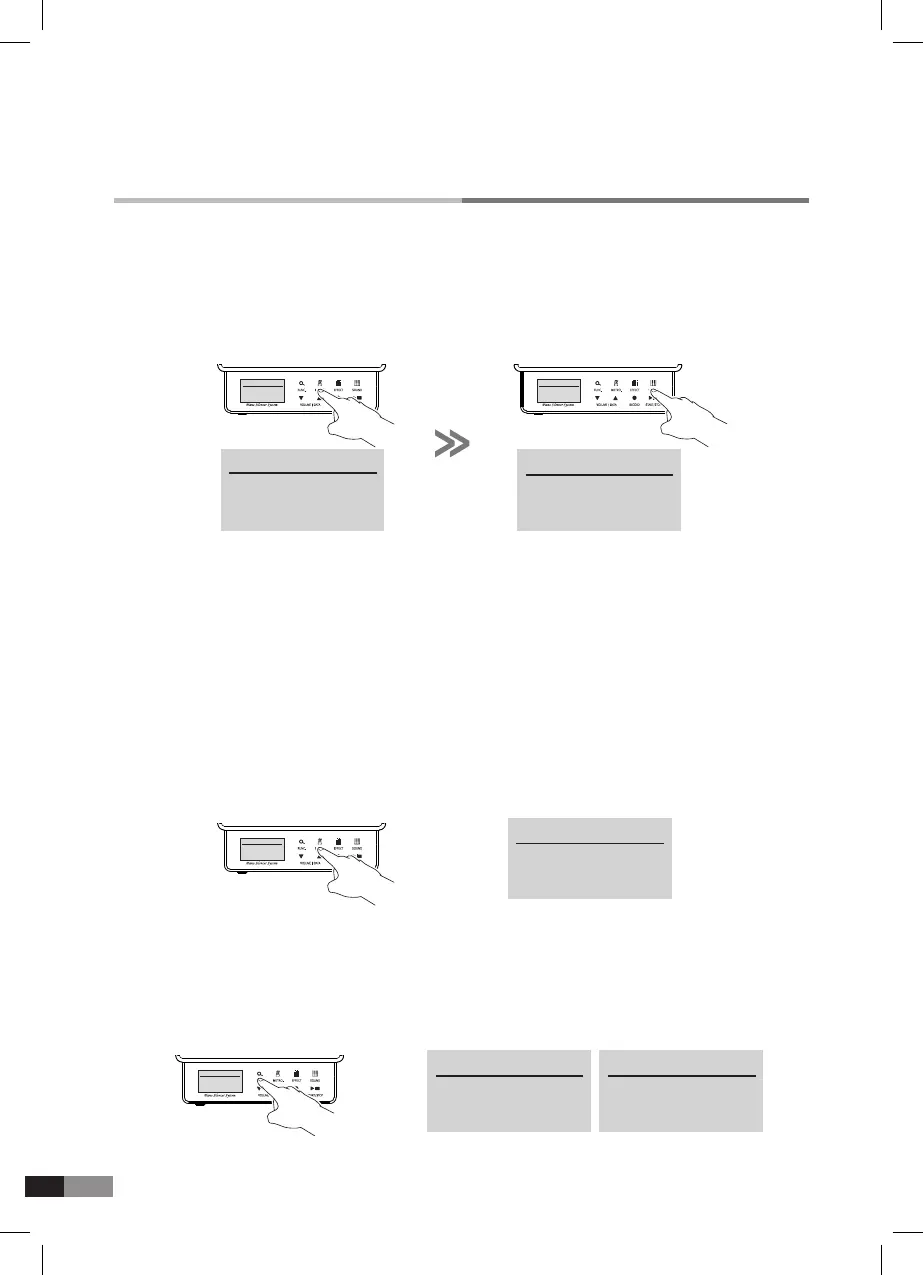
1) Metronome operation
Press [METRO.] button to start or stop the metronome operation.
2) Metronome indicator
Sound: Tick and Tack sound according to down or up beat.
Visual operation: Light on or off on [METRO.] button icon.
3) Metronome setting
Press [SOUND] to change the sound
while metronome is activating.
→
→
HOME
Preset Sound
P1 : Piano 1
METRONOME
* Tempo : 120
Beat : 4/4
Volume : 5
HOME
Preset Sound
P1 : Piano 1
METRONOME
* Tempo : 120
Beat : 4/4
Volume : 5
→
* Tempo : 120
Beat : 4/4
Volume : 5
METRONOME
METRONOME
Tempo : 120
* Beat : 4/4
Volume : 5
1) Press and hold [METRO.] button for more than 3 seconds from Home mode for metronome setting.
*
There are three parameters of Tempo, Beat and Volume, and can be adjusted when the metronome
is operating.
*
The asterik will indicate the highlighted Metronome mode.
2) Press [FUNC.] button to move the asterisk from Tempo
→
Beat
→
Volume
→
Bell.
3) Press the [FUNC.] button again to move the Bell to Tempo.
(The asterisk moves like this whenever [FUNC.] button is pressed.)
4) Press either [
▼] or [▲] button to change the value of each parameter marked with the asterisk.
5) Press [SOUND] button to return to Home mode.
→
METRONOME METRONOME
Tempo : 120
*
Beat : 4/4
Volume : 5
*
Bell : ON
METRONOME
Tempo : 120
* Beat : 4/4
Volume : 5



 To Next Page