19
→
* Tempo : 120
Beat : 4/4
Volume : 5
METRONOME
* Tempo : 120
Beat : 4/4
Volume : 5
METRONOME
Volume
→
Tempo : 120
Beat : 4/4
* Volume : 7
METRONOME
METRONOME
Tempo : 120
Beat : 4/4
* Volume : 7
→
Tempo : 120
* Beat : 4/4
Volume : 5
METRONOME
Beat Chart
1/2 2/2 3/2 4/2
1/4 2/4 3/4 4/4 5/4 6/4 7/4 8/4
1/8 2/8 3/8 4/8 5/8 6/8 7/8 8/8 9/8
Tempo
It shows the speed of the beat in 1 minute.
Adjust the metronome volume for piano sound volume.
*
Control range : 20 ~ 250
*
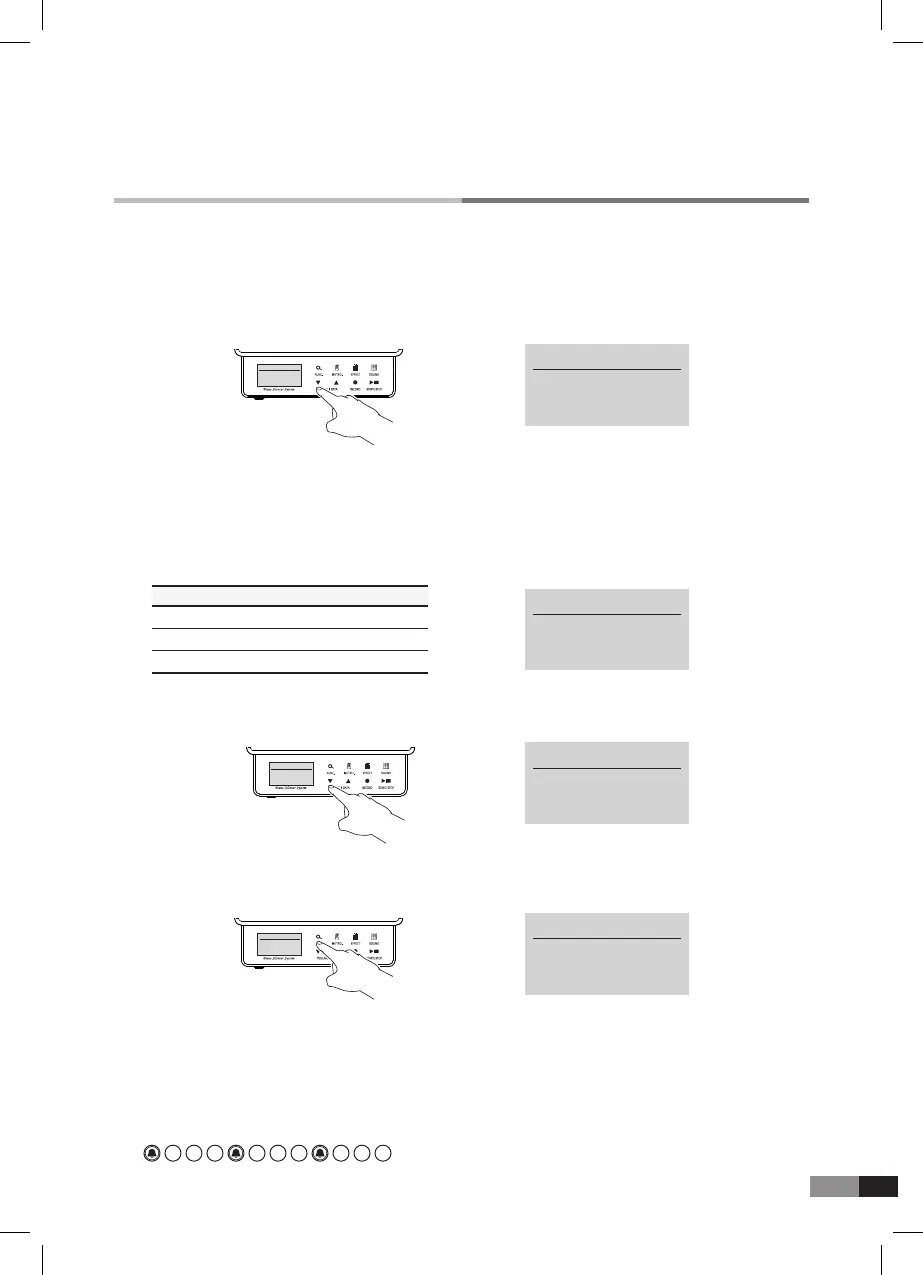
Press both [▼] and [▲] buttons together, then tempo will set to default value 120.
Beat
Press either [▼] or [▲] button to change the value when the asterisk indicates Beat by
[FUNC.] button.
A denominator means the default beat and a numerator means the default beat inside the
measures.
→
Tempo : 120
* Beat : 4/4
Volume : 5
METRONOME
Tempo : 120
* Beat : 4/4
Volume : 5
METRONOME
1) Press either [▼] or [▲] button to set as desired Beat value.
2) Press both [▼] and [▲] buttons together to set as 4/4 beat.
*
Way of control :
*
Control range : 0~9
*
Press both [▼] and [▲] buttons together to set the default value. (volume:5)
*
Control range : 21 types
Bell
Setting the bell sound on/off on the hard beat
Ex) 4/4 Beat
· · ·



 To Next Page