8
How to try out various Functions
You can enjoy GENIO PREMIUM
α
as a digital piano with various sounds and effects, and also
as a sound module with GM sounds contained.
A. Sound select
You can select one of 17 Preset sound,16 Userset sound and 128 GM Sound.
*
Preset sound can be changed only by the manufacturer(Users are not allowed to change it).
*
Userset sound can be edited by users, fully awaring of users manual let you make your own sound
and effect.
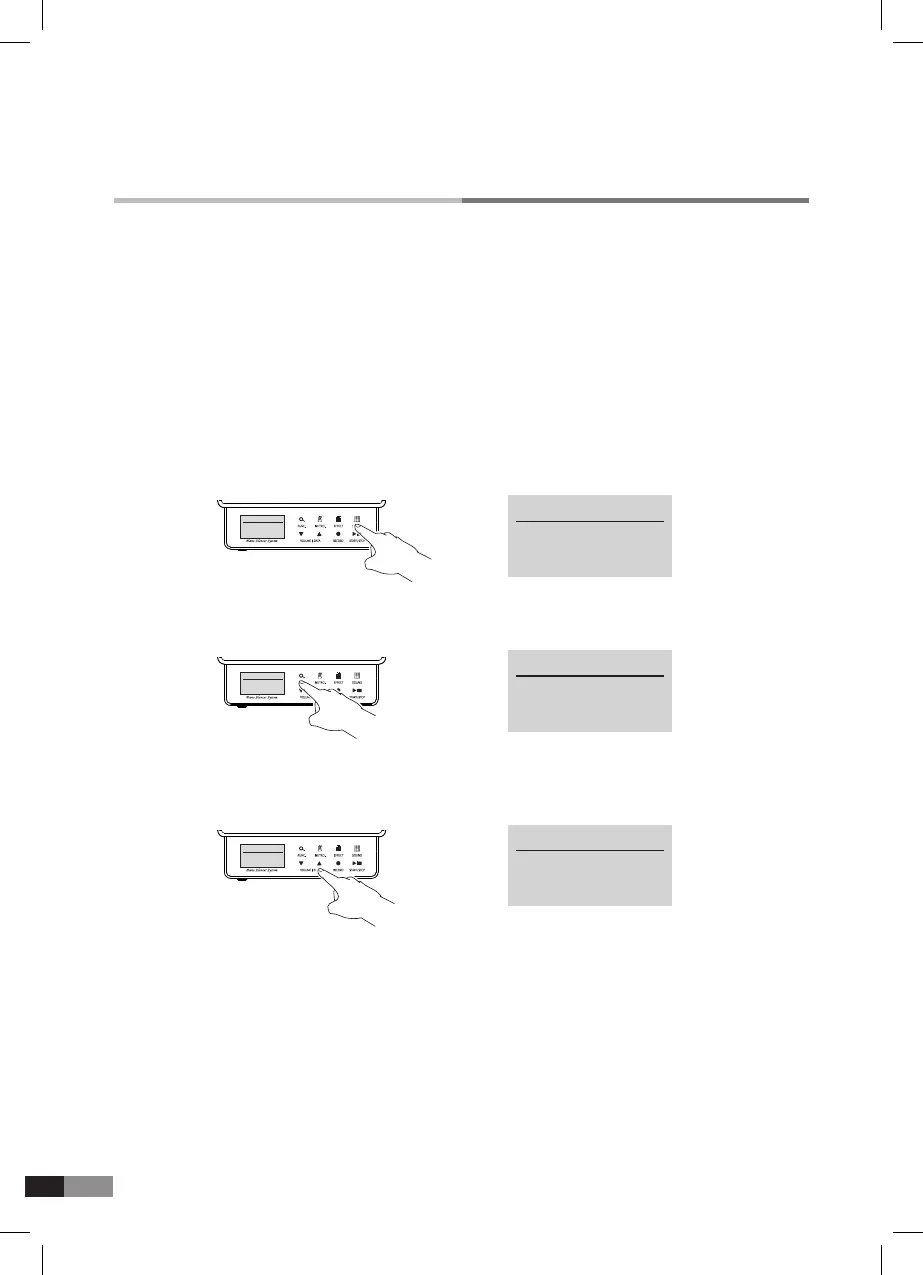
1) Press [SOUND] button for the sound mode, this will highlight the button icon.
2) Press [FUNC.] buttons to change from Preset sound to Userset sound and GM sound.
3) Press either [
▼] or [▲] button of [VOLUME/DATA] to select one of 17 Preset sound, 16 Userset sound
and 128 GM sound.
4) GM Sound need just one channel at a time. (Other channels are off mode)
5) Press [SOUND] button after selecting the desired sound and the setting will then be saved.
The display will return to the home mode automatically.
HOME
Preset Sound
P1 : Piano 1
SOUND
Userset Sound
U1 : Userset
SOUND
Userset Sound
U3 : Jazz Guitar
HOME
Preset Sound
P1 : Piano 1
SOUND
Userset Sound
U1 : Uset
Sound
Usetset Sound
U3 : Jazz Guitar
→
→
→
*
Press [▲] button to move from a low numbers to a high number.
*
Press [▼] button to move from a high number to a low number.
*
Press and hold either [▼] or [▲] buttons to move through the
sounds faster.



 To Next Page