PN# 3642036534, 02/26/2010 REV. 1
TROUBLESHOOTING GUIDE -
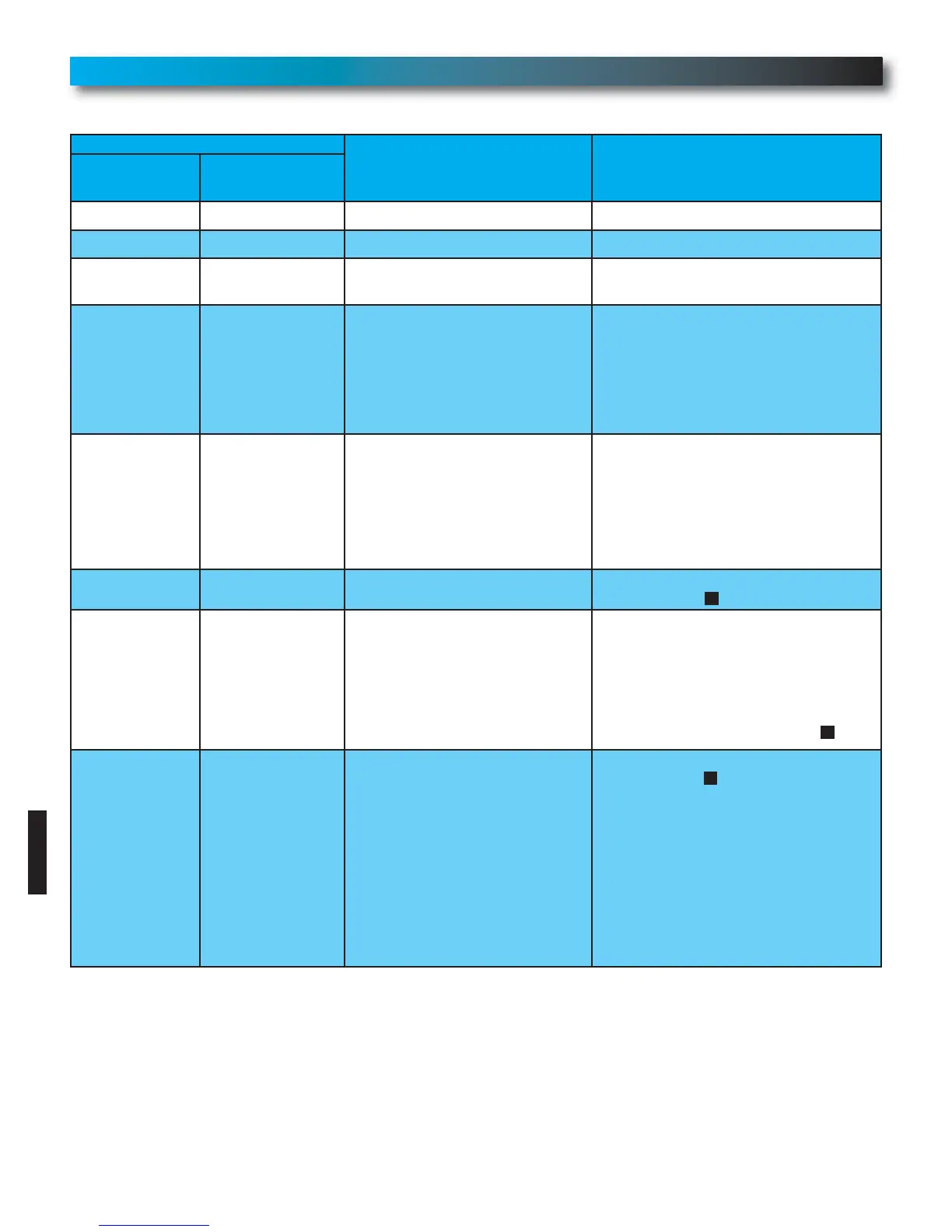
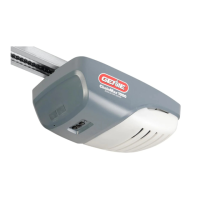
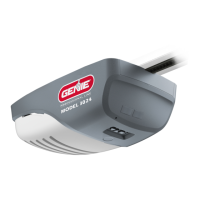
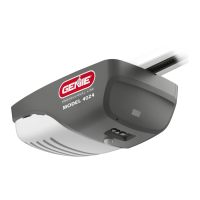
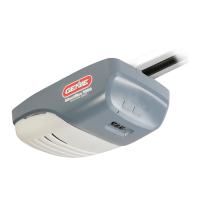
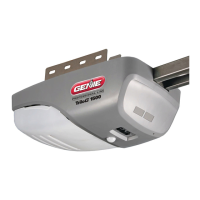
POWER HEAD LED
FOR HELP-1.800.354.3643 OR WWW.GENIECOMPANY.COM
Power head LED
Possible Problem Solution
Red LED
showing
Green LED
showing
OFF OFF Normal operation None required
Continuous ON • Programming incomplete • Complete programming
1 BLINK, Pause
(Repeat)
• Transmitter has not learned • Push button to program
1 BLINK, Pause
(Repeat)
• Programming incomplete
• Safe-T-Beam
®
sensor
obstruction going down
• Door obstruction going down
• Door obstruction going up
• Set DOWN LIMIT programming
• Check for obstruction, remove
• Check for obstruction, remove.
– Check door spring
– Contact The Genie Company at
1-800-35-GENIE
2 BLINKS, Pause
(Repeat)
• Programming incomplete
• Wire to power head or wire
connection at power head is
bad.
• Sensors out of alignment
• Continuous obstruction of
Safe-T-Beam
®
sensor
• Set UP LIMIT programming
• Check power head wiring, check
connections,
– Replace or repair
• Check Source & Sensor alignment
• Check for obstruction
3 BLINKS, Pause
(Repeat)
• Limits set backwards • Clear limits and reprogram
(See section )
6
4 BLINKS, Pause
(Repeat)
• Push button wire short
• Push button wires reversed
in power head connector.
• Check push button and wiring.
Staples can cut insulation and shorts
wires. Repair or replace push button
and/or wiring.
– Contact The Genie Company at
1-800-35-GENIE
• Reverse wire placement in power
head connector. (See section )
3
5 BLINKS, Pause
(Repeat)
• Chain/belt is too tight
• Control system failure
• Thermal Protector activated
• Adjust chain/belt tension
(See section ).
– Contact The Genie Company at
1-800-35-GENIE
• Contact Genie
®
authorized dealer for
service
• Wait until Thermal Protector cools
and resets. NOTE: The 5 BLINKS
pattern will remain blinking until
the next opener activation. If the
Thermal Protector does not reset.
– Contact Genie
®
authorized dealer
for service.
1
28




 To Next Page