22
3.6.3 Setting the auto-suspend timer (3-60mins)
1.
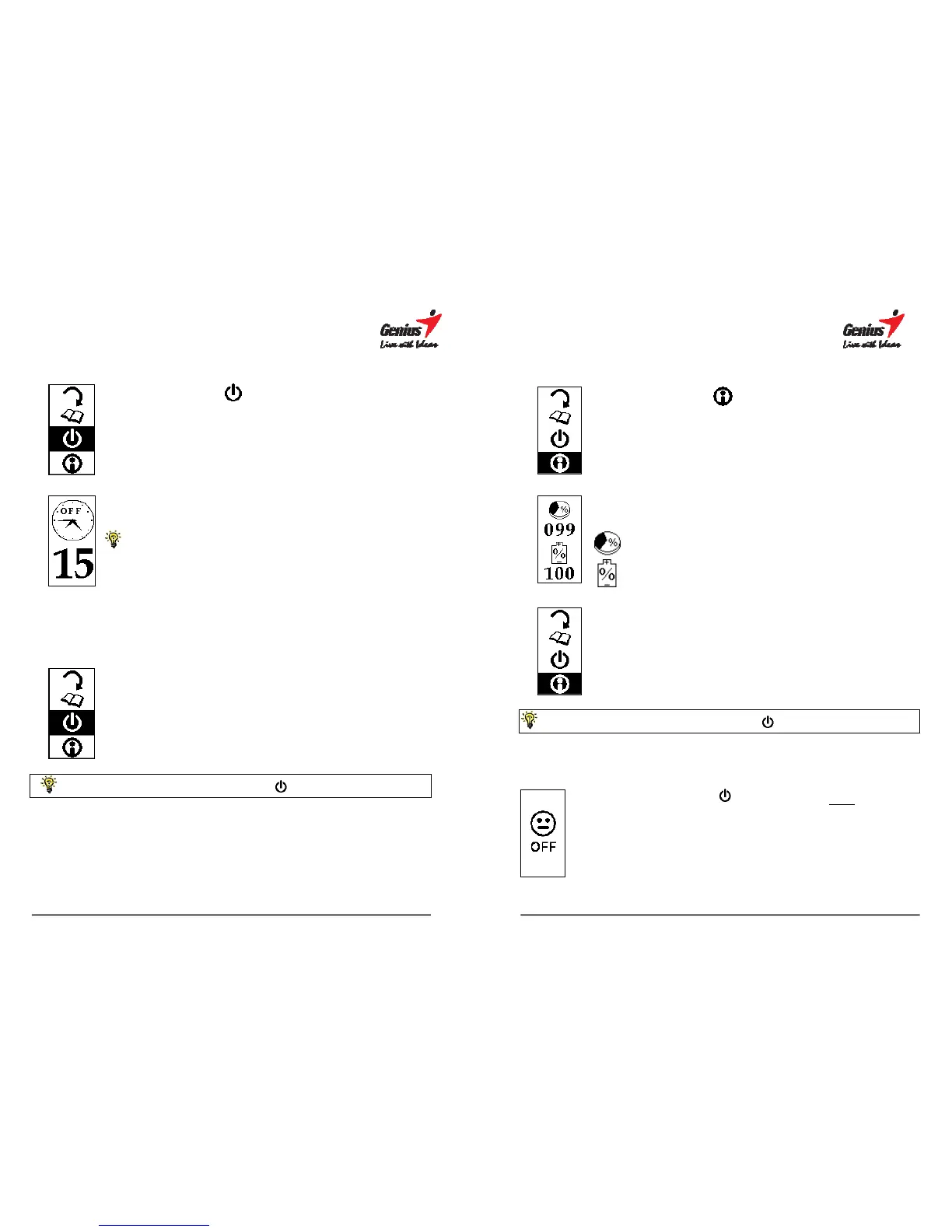
Press V to select the suspending sub-menu.
2.
Press [ENTER] to confirm.
The default idle time is set at 15 minutes.
3.
Press
U or V to increase or decrease the idle time (from 3 ~ 60 minutes)
after which the G-Note will automatically switch off.
4.
Press
to confirm and return to the main menu.
Enter ³ Esc Return to main menu Return to note taking mode
23
3.6.4 The remaining disk space / battery capacity
display
1.
Press V to select the status menu.
2.
Press [ENTER] to confirm.
Remaining disk space in %
Remaining battery capacity in %
3.
Press ³ to return to the main menu.
Enter ³ Esc Return to main menu Return to note taking mode
3.7 Turning off the G-Note
Press and hold the Power button for about three seconds to
manually switch off the G-Note.


 To Next Page