EasyManua.ls Logo

Genius G-NOTE 7100 - 1 Introduction; 2 Parts of the G-Note

Genius G-NOTE 7100
25 pages
Print Icon
To Next Page IconTo Next Page
To Previous Page IconTo Previous Page
Loading...
6
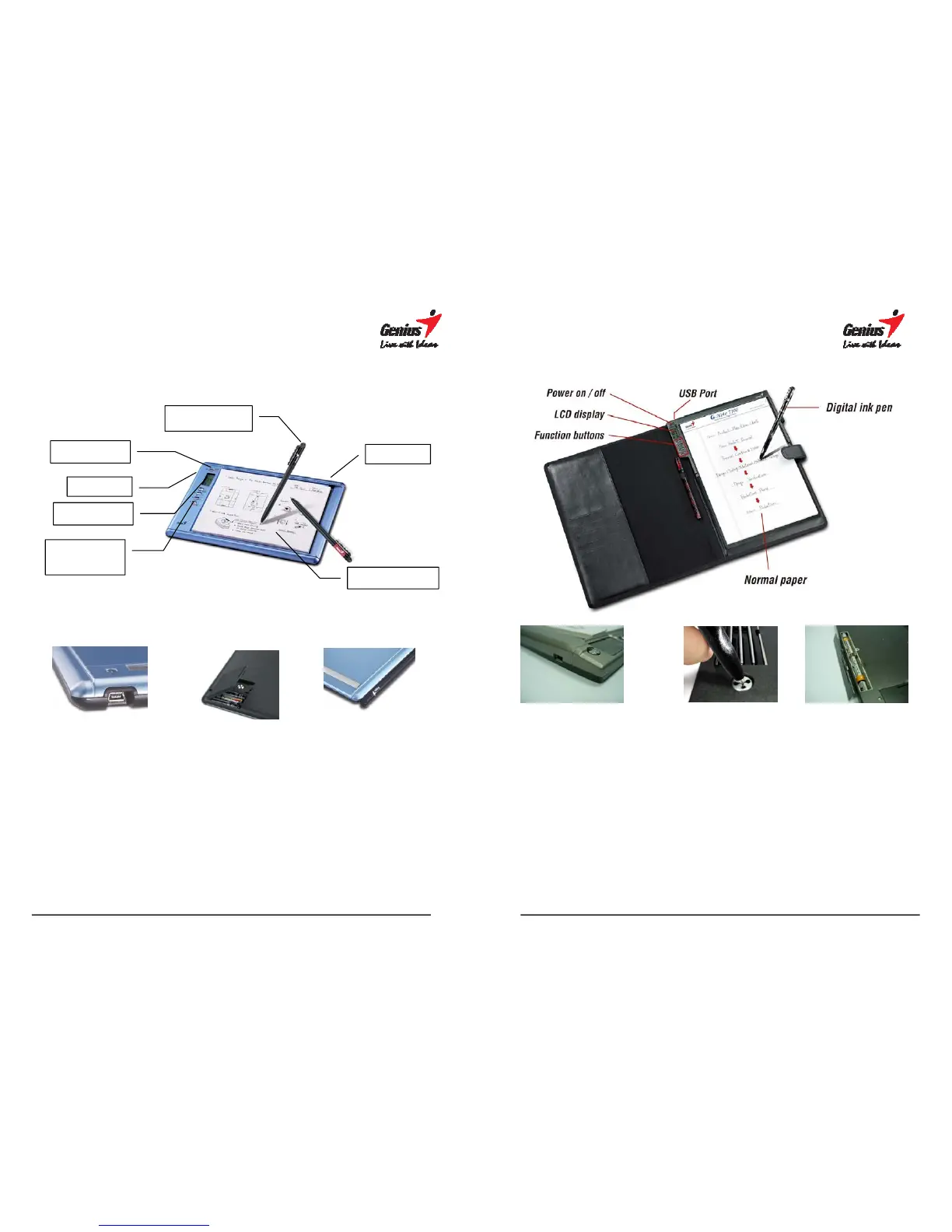
2. Parts of the G-Note
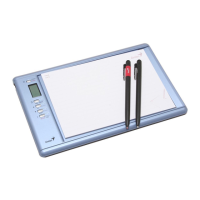
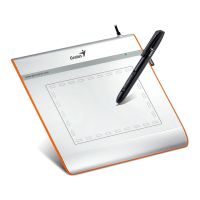
G-Note 5000
USB port Battery compartment Pen slot
Writing area
The writing area is the area on the G-Note 5000 where the notepad is placed
and everything you write or draw with the digital ink pen is captured by its built
in digitizer. The writing area is 150 x 210mm (5.9" x 8.3").
Thickness of the notepad
The G-Note 5000 supports standard A5 notepad with a maximum thickness of
15mm.
Power on/of
f
LCD display
Function
buttons
Normal paper
USB
p
ort
Pen slot
Digital ink pen
7
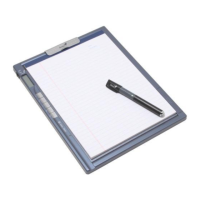
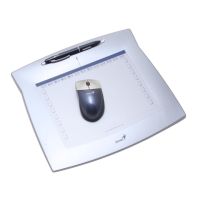
G-Note 7100
USB port Ink Refills Battery compartment
Writing area
The writing area is the area on the G-Note 7100 where the notepad is placed
and everything you write or draw with the digital ink pen is captured by its built
in digitizer. The writing area is 210 x 263mm (8.3" x 10.3").
Thickness of the notepad
The G-Note 7100 supports standard A4 notepad with a maximum thickness of
5~7mm.

Related product manuals