39
English
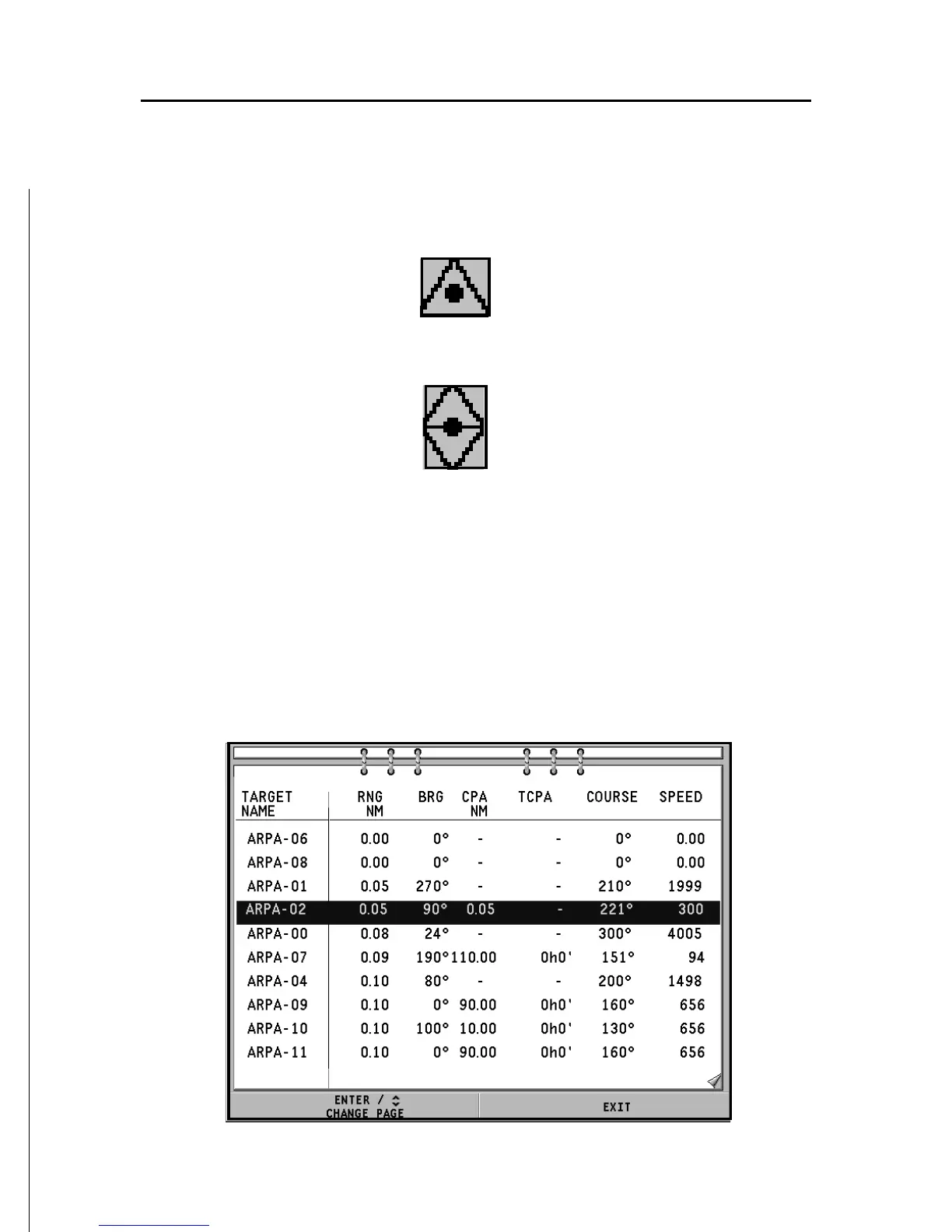
- CPA/TCPA warning: target falls within the CPA/TCPA lim-
its
- Target lost
NOTE: When the ARPA function is active, the own ship vector shows the six marks
- like the target vectors - providing the forecasted position of the own ship every
minute for the following six minutes.
ARPA target information
To display the information concerning any ARPA target, move
the cursor on the target icon and press ENTER.
A window containing the information on the target will show.



 To Next Page