43
English
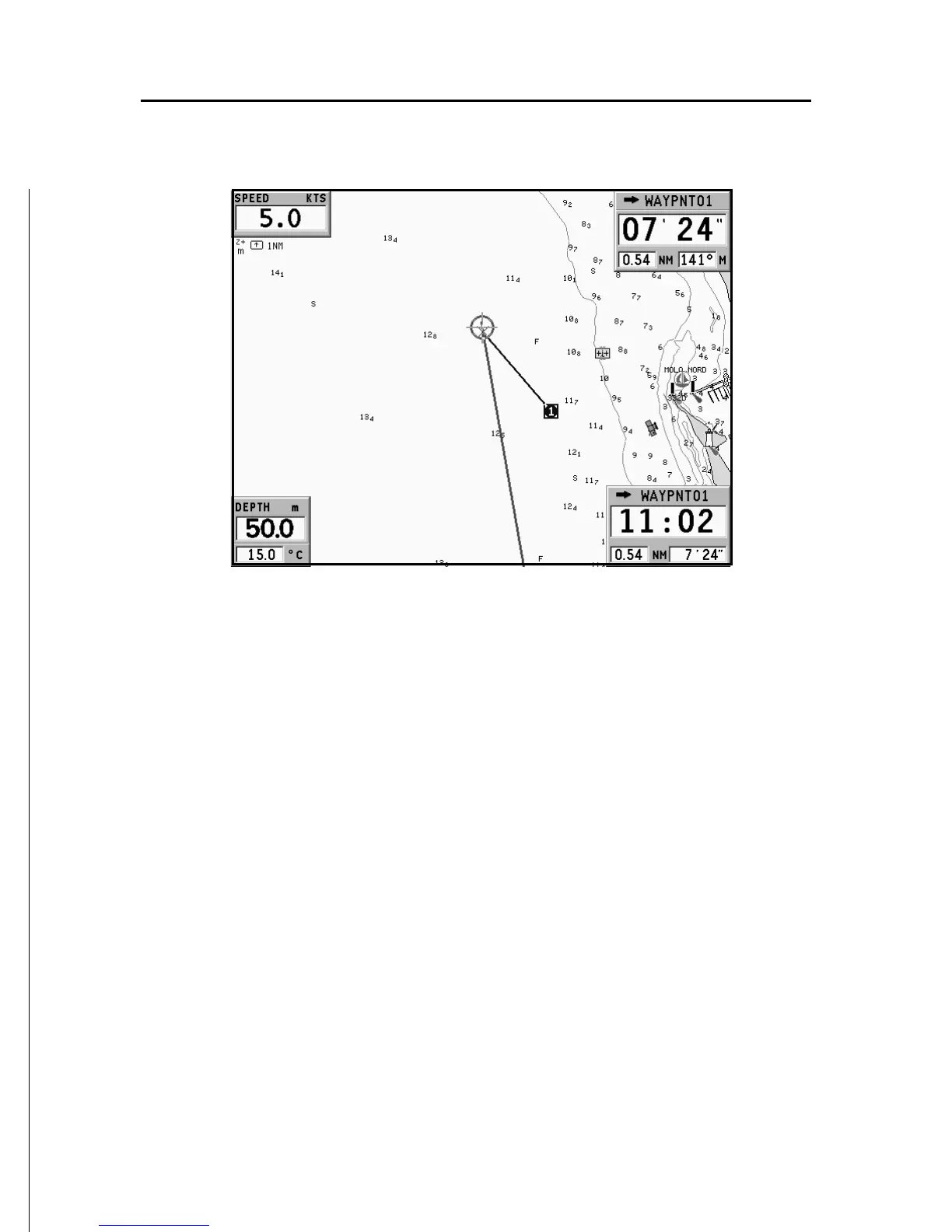
By using the joystick, position the cursor on the chart item
desired (symbol for light, buoy, depth area, etc.) and then press
the joystick; the relative information of the object will be shown.
Use the joystick to scroll the information list, then press EXIT
to exit and select another item. Press EXIT again to go back to
Navigation mode.



 To Next Page