73
English
NAVIGATION MODE
Inserting a marker
Hold the ENTER key pressed to insert a marker at the boat’s
position. A window will display the symbol and the name
automatically assigned to the marker; to change the marker
symbol, name and color according to the type of marker to
store (e.g., fishing spots, submerged wrecks, rocks, etc.), use
the joystick and the -ZOOM+ key. Press ENTER to confirm the
insertion.
Route to a marker
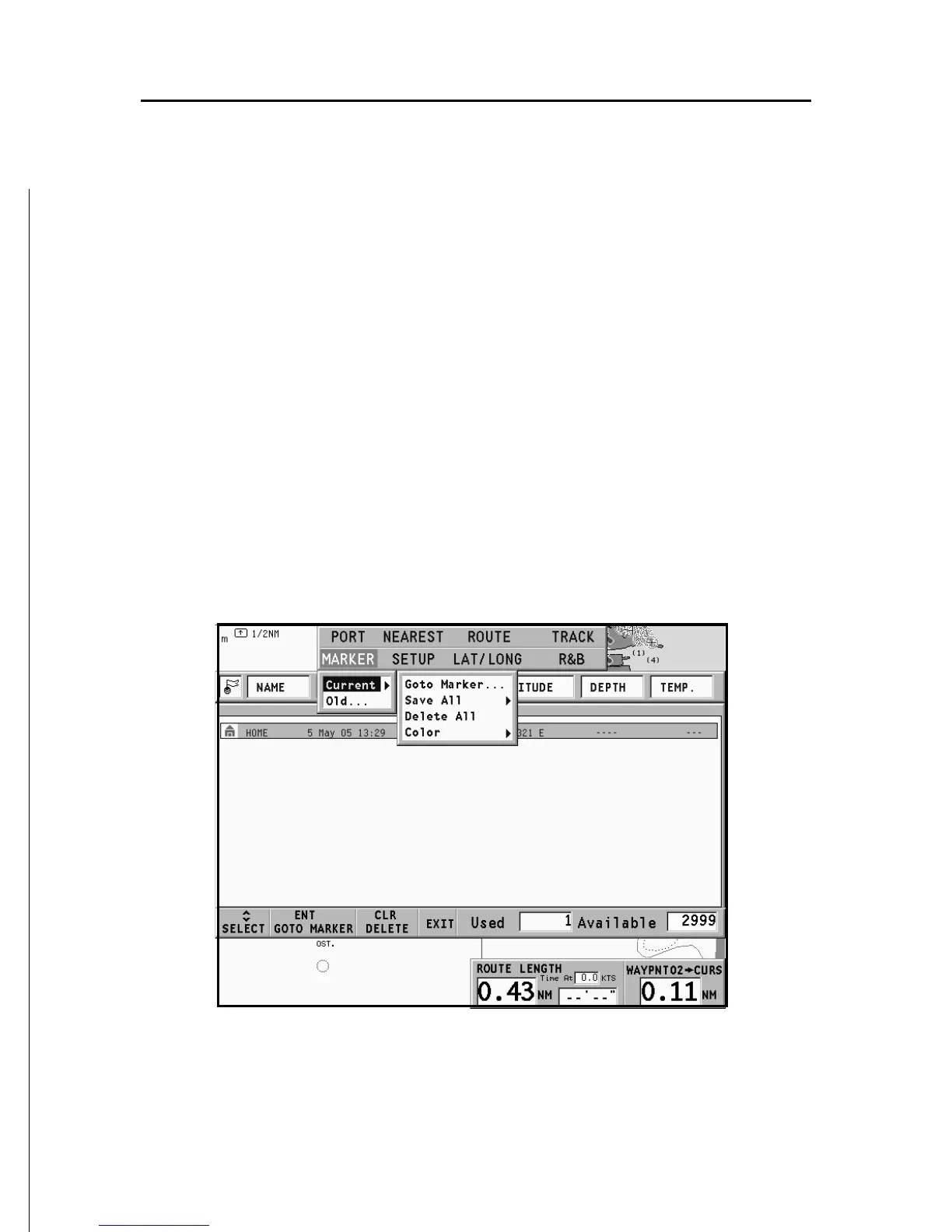
Press the GOTO key and select MARKER, CURRENT, GOTO
MARKER by the joystick. The catalog displayed will list, with
respect to each marker, the symbol, the name, the insertion
date/time, as well as, if available, the sea depth and tempera-
ture values as detected when entered.
Moreover, the catalog shows the number of markers entered
in the current page and the number of markers still available.
The list can be sorted by using the joystick to select the sort
field and ENTER to confirm.



 To Next Page