84
English
Setup
• Depth Units (M/FT/FA)
Selects depth units.
• Bearings (TRUE/MAG)
Sets the magnetic mode for all bearings.
• Language (EN/FR/ES/DE/DK/IT/SV/NL/SU/NO/GR)
Selects the language.
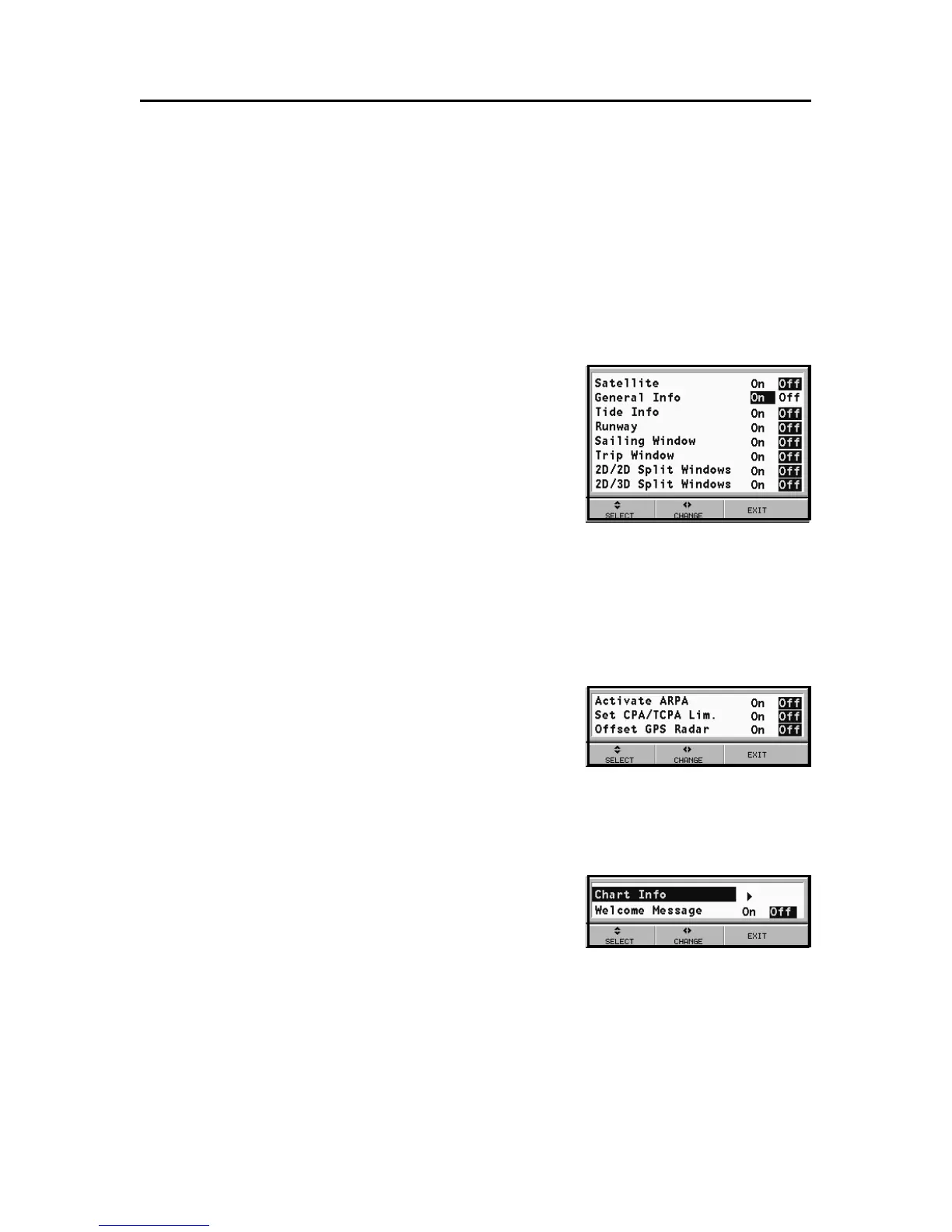
WINDOWS
• Selects the auxiliary windows to dis-
play. For every window, a preview
image - whose display can be en-
abled/disabled (ON/OFF) - is avail-
able.
ARPA
• Activate ARPA (ON/OFF)
Enables/disables the display of ARPA targets.
• Set CPA/TCPA Limits (ON/OFF)
Sets the limits for CPA (Closest Point of Approach) and TCPA
(Time to Closest Point of Approach)
alarms.
• Offset GPS Radar (ON/OFF)
Sets the offset between the GPS unit
and the radar antenna.
OTHER
• Chart Info
By selecting ON, a window will
show the catalog of the charts stored
in the cartridge.
Select one chart by the joystick and
press ENTER to display the information associated, or EXIT to
exit.
• Welcome Message (ON/OFF)
Enables/disables the display of a message in the welcome
page, appearing as the instrument is turned on.
By selecting ON, a window will allow writing or editing
the message.



 To Next Page