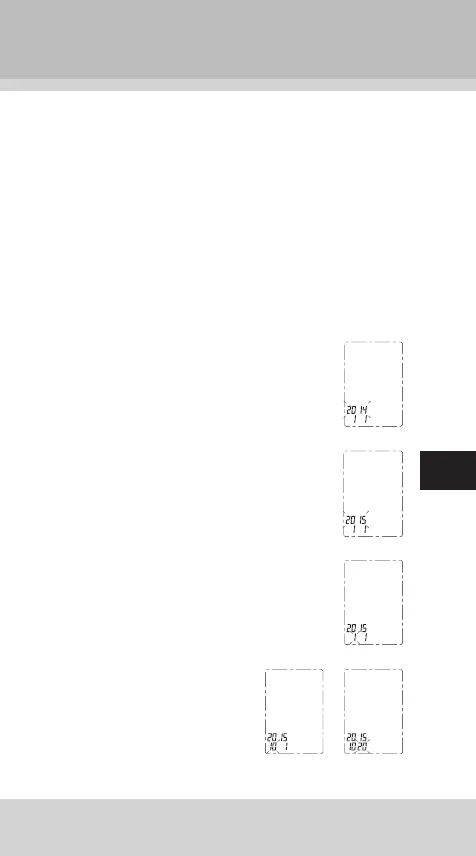
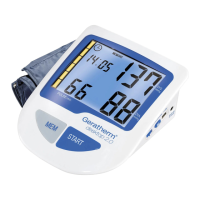
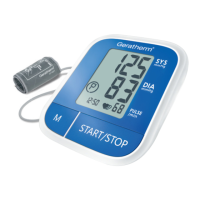
Your blood pressure monitor is activated when the date
and time are set.
It is important to set the clock before using your blood
pressure monitor, so that a time stamp can be assigned
to each record that is stored in the memory. (time format:
24 H)
1. When the monitor is off, hold pressing
“MEM” button about 3 seconds to enter the
mode for year setting.
2. Press “START” button to change the year.
Each press will increase the numeral by
one in a cycling manner.
3. When you get the right year, press “MEM”
button to set down and turn to next step.
4. Repeat steps 2 and 3 to set
the [MONTH] and [DAY].


 To Next Page