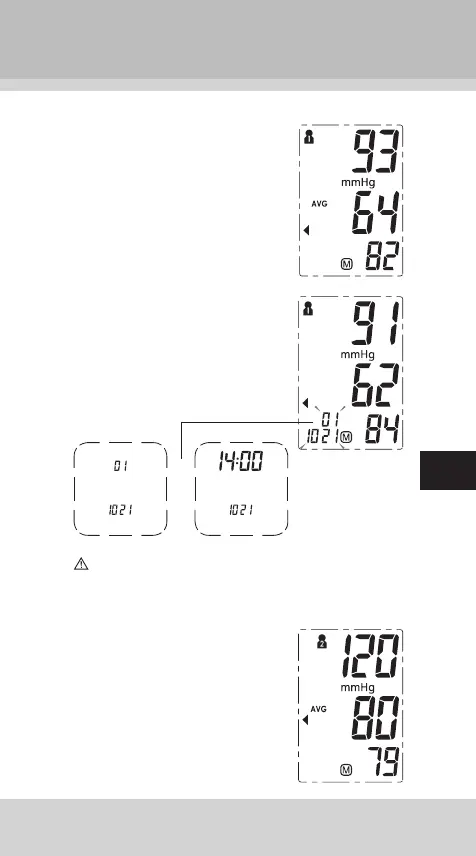
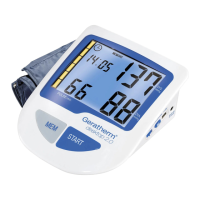
1. In order to retrieve the latest read-
ings, press the “MEM” button and
release it. The display will show
the average value (AVG) of the
last three readings. (Note: If fewer
than three readings are available,
the latest reading is shown)
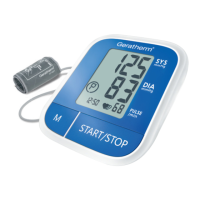
2. By pressing again on the “MEM”
button, all stored readings can be
retrieved. The number and date of
the stored reading can be seen in
the bottom left-hand corner. The
stored reading appears alternate-
ly with the time when the reading
was taken.
The most recent record (1) is shown rst. Each new
measurement is assigned to the rst (1) record. All other
records are pushed back one digit (e.g., 2 becomes 3,
and so on), and the last record is dropped from the list.
3. In order to retrieve the readings of
another user, select that user in ad-
vance. See section on “Selecting a
user”.
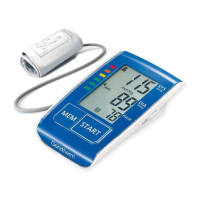
To retrieve the stored readings,
press the “MEM” button and re-
lease it.
stored value
No. 1
month and day
time
month and day


 To Next Page