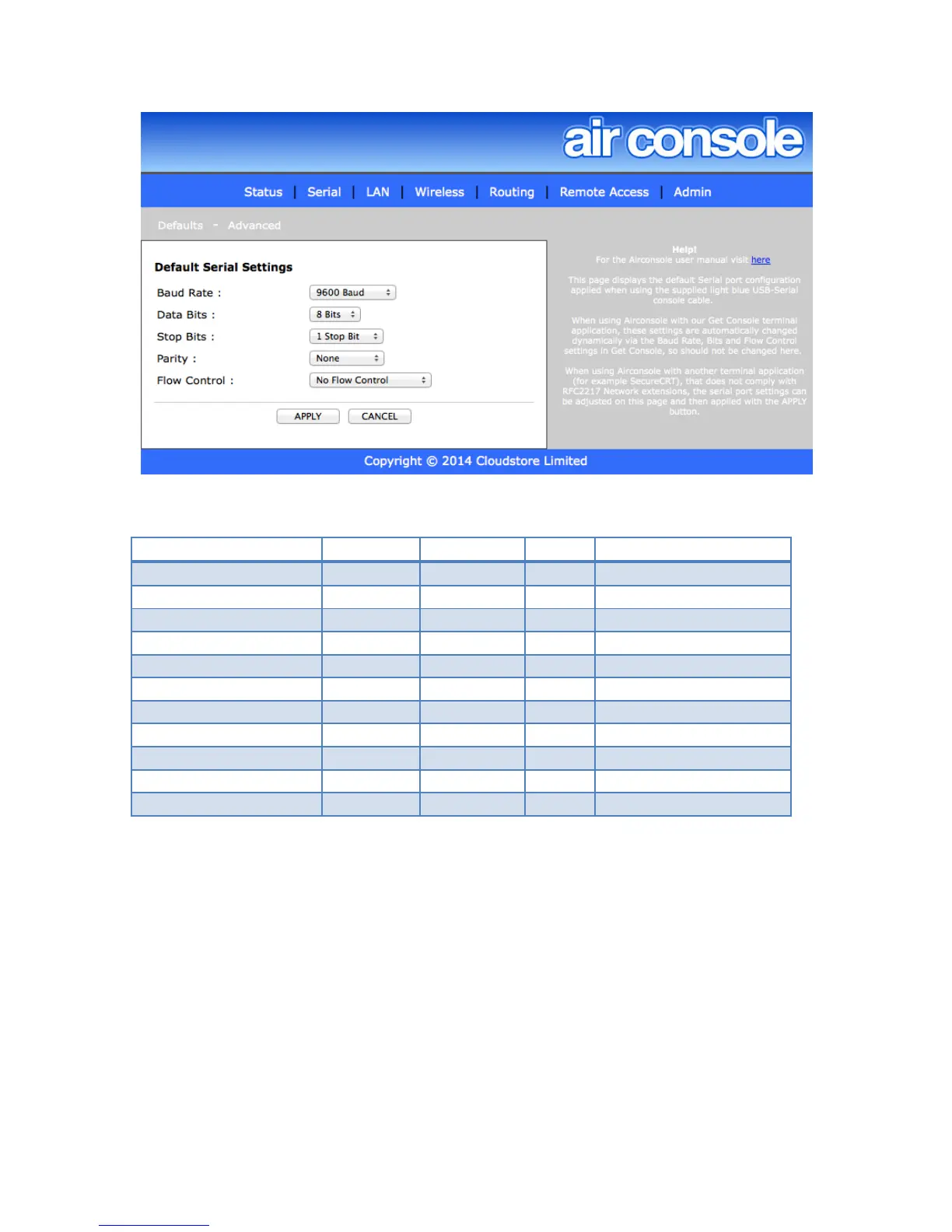
The supported options for each of the serial settings are as the below table:
4.1.1 Advanced Serial Settings
Airconsole can act as an RFC2177 compatible serial terminal server and/or a raw IP-
Serial bridge. The default ports for each of these services can be modified on the
Advanced Serial Settings page.
Note that altering the default Com Port Control tcp port from 3696 will require a restart of
Get Console app to redetect the changed port, and will require modification of windows
and OSX driver default configuration.
The “Force Binary Mode” can be used when operating on the 3rd party HW Group
Windows driver that does not dynamically negotiate binary transfer mode.


 To Next Page