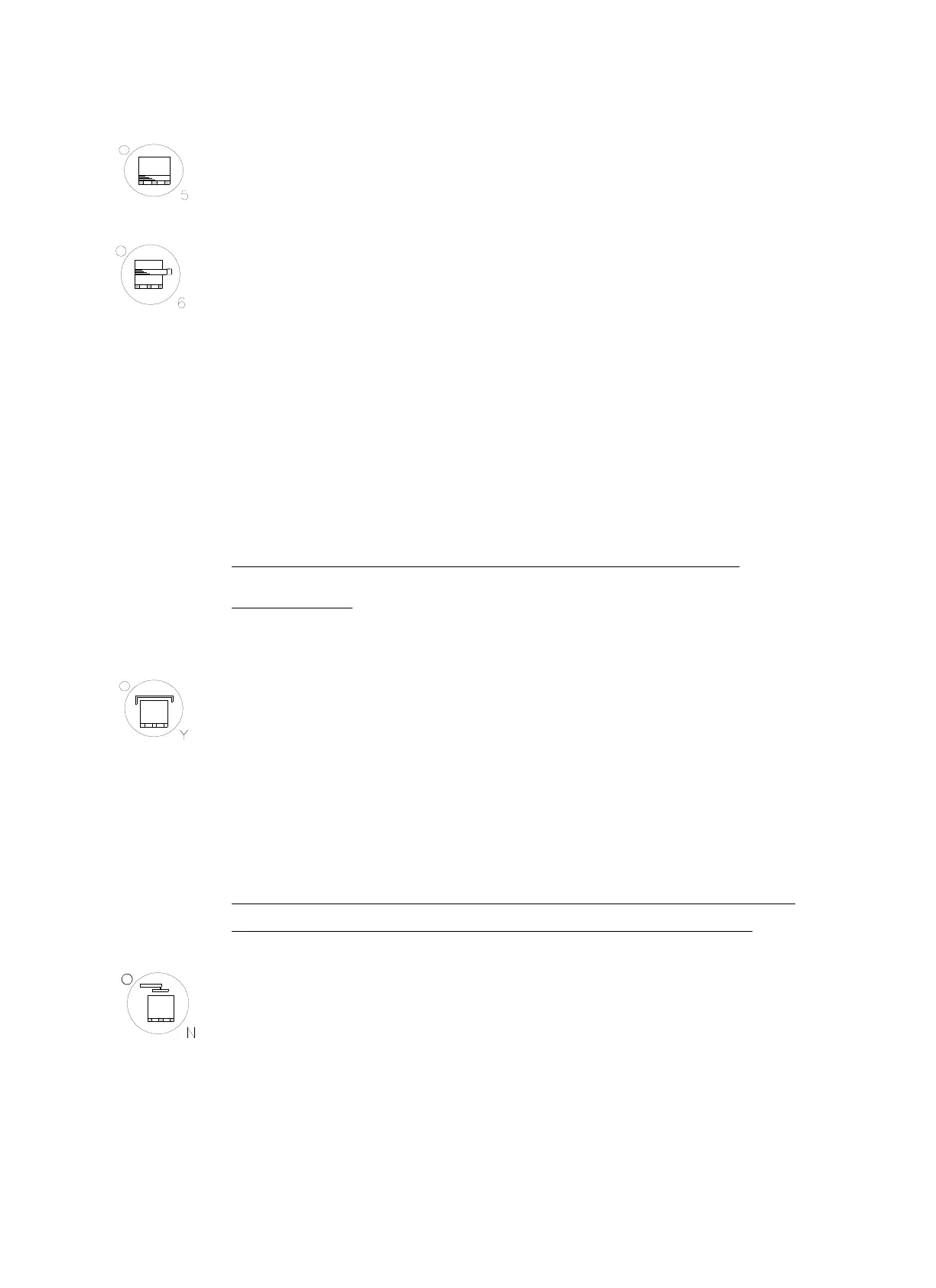
WRAP CNT. ( TOP & BOTTOM) BUTTON, REINFORCEMENT
Press this button to select the number of bottom count from 0 to 9 first,
WRAP CNT. (MIDDLE), REINFORCEMENT
This button is for reinforcing specific area during wrapping process
under manual program. Please follow the instruction:
1. Press ELEVATOR BUTTON and move the elevator to the lowest
position.
2. Press Elevator Button again to move the Elevator up to the
reinforced position.
3. Hold the Reinforced button till the wrapping counters are satisfied.
P. S . T he w r ap p i n g c o u n t er a r e v a r io u s ac c o r di n g to o p er a t o r ’ s
requirements.
TOP SHEET BUTTON
Selecting “Top Sheet” function means after elevator reach the top
section; it will come down 200mm first and stop. Operators put the top
sheet then press “ START” to let the wrapping goes up again and
continue the unfinished wrapping cycles.
NOTE: When the program sets on the wrapping from top to bottom &
one way only, operator should place the top sheet before hand.
PRESSURE BUTTON
This is an OPTIONAL function only operate when machine install the
pressure plate. There are 2 pressuring options available with this option.
Option A – After completing the wrapping cycle, the pressure plate goes
up to the top position.



 To Next Page