Fn Key
The Fn key, at the lower left corner of the keyboard, is used with another
key to perform the alternative function of a key. The letter “Fn” and the
alternative functions are identified by the color of blue on the keytop. To
perform a desired function, first press and hold
Fn, then press the other
key.
Hot Keys
Hot keys refer to a combination of keys that can be pressed any time to
activate special functions of the computer. Most hot keys operate in a
cyclic way. Each time a hot key combination is pressed, it shifts the
corresponding function to the other or next choice.
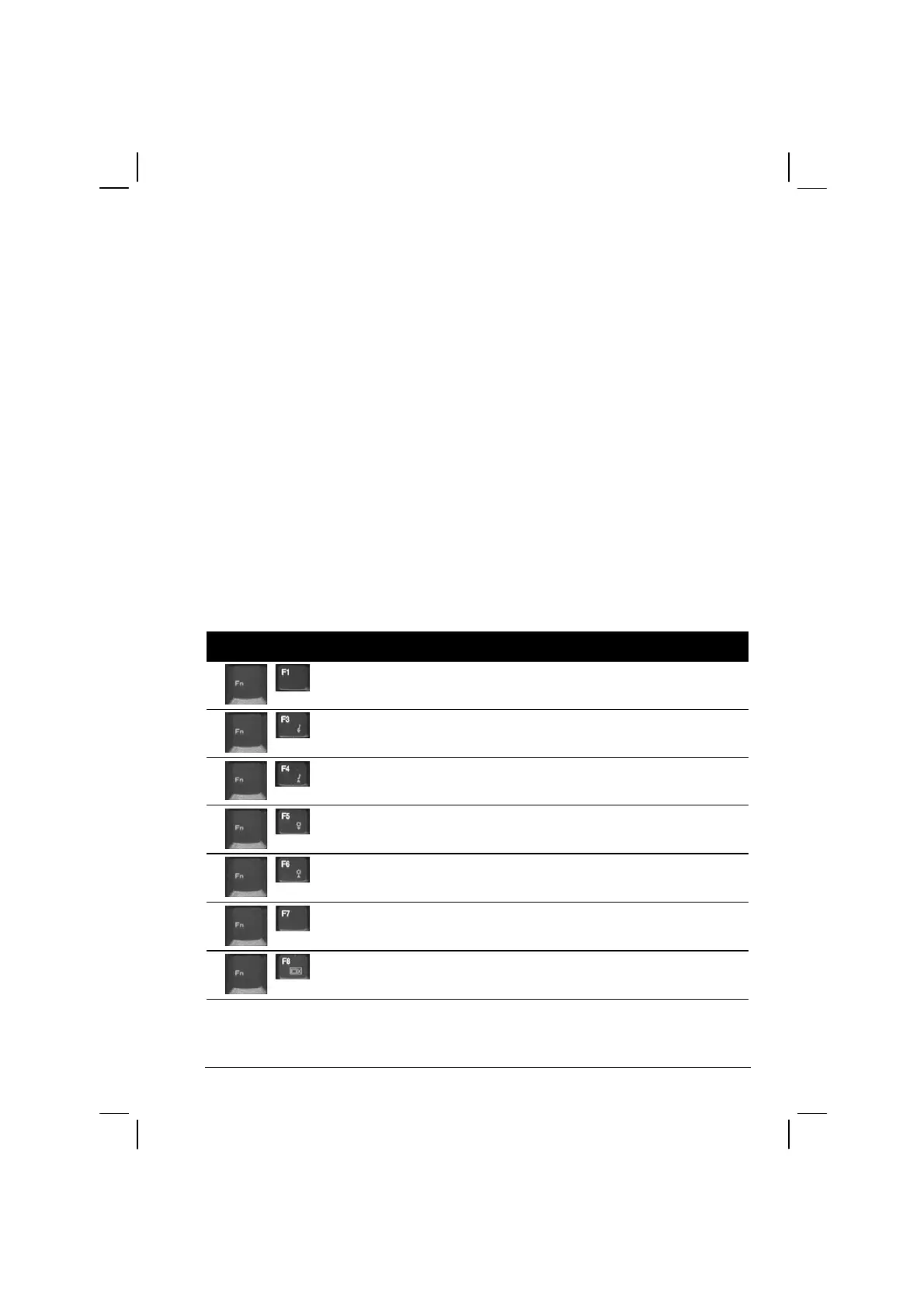
You can easily identify the hot keys with the icons imprinted on the
keytop. The hot keys are described next.
Key Description
Switches the optional keyboard backlight function on/off with
10 levels of brightness in-between.
Decreases the sound volume.
Increases the sound volume.
Decreases the LCD brightness.
Increases the LCD brightness.
Switches the LCD backlight on and off
Switches the LCD on and off.
Operating Your Computer 2-7



 To Next Page