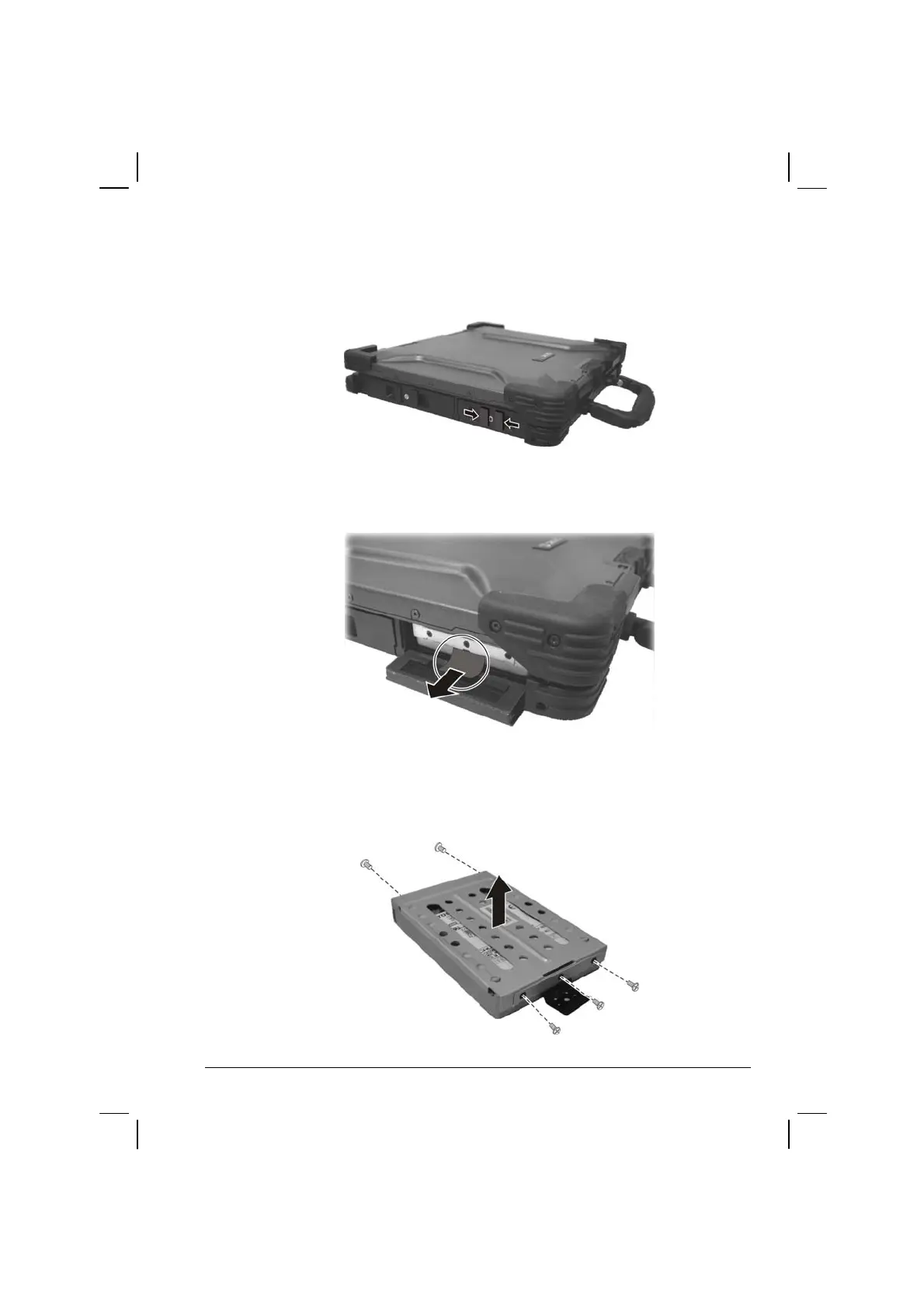
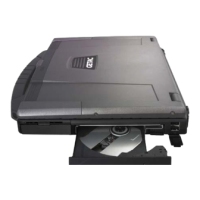
7. Open the hard disk drive slot cover by pressing on both sides of the
release latch using your thumb and index fingers.
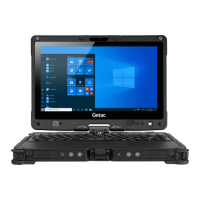
8. Pull on the ribbon film to remove the hard disk drive compartment.
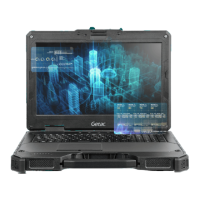
9. Remove the three front and two rear screws securing the hard disk
drive to the compartment and remove the compartment cover.
Operating Your Computer 2-15


 To Next Page