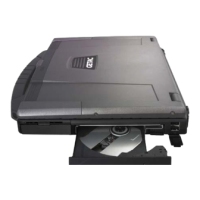
5. Close the optical drive bay cover to secure the drive in place.
If another module is inside the drive bay
4. Check to see if any other module is installed in the optical drive bay.
If no other module is inside, proceed directly to step 10.
5. Close the optical drive bay cover.
6. Gently place the computer upside down.
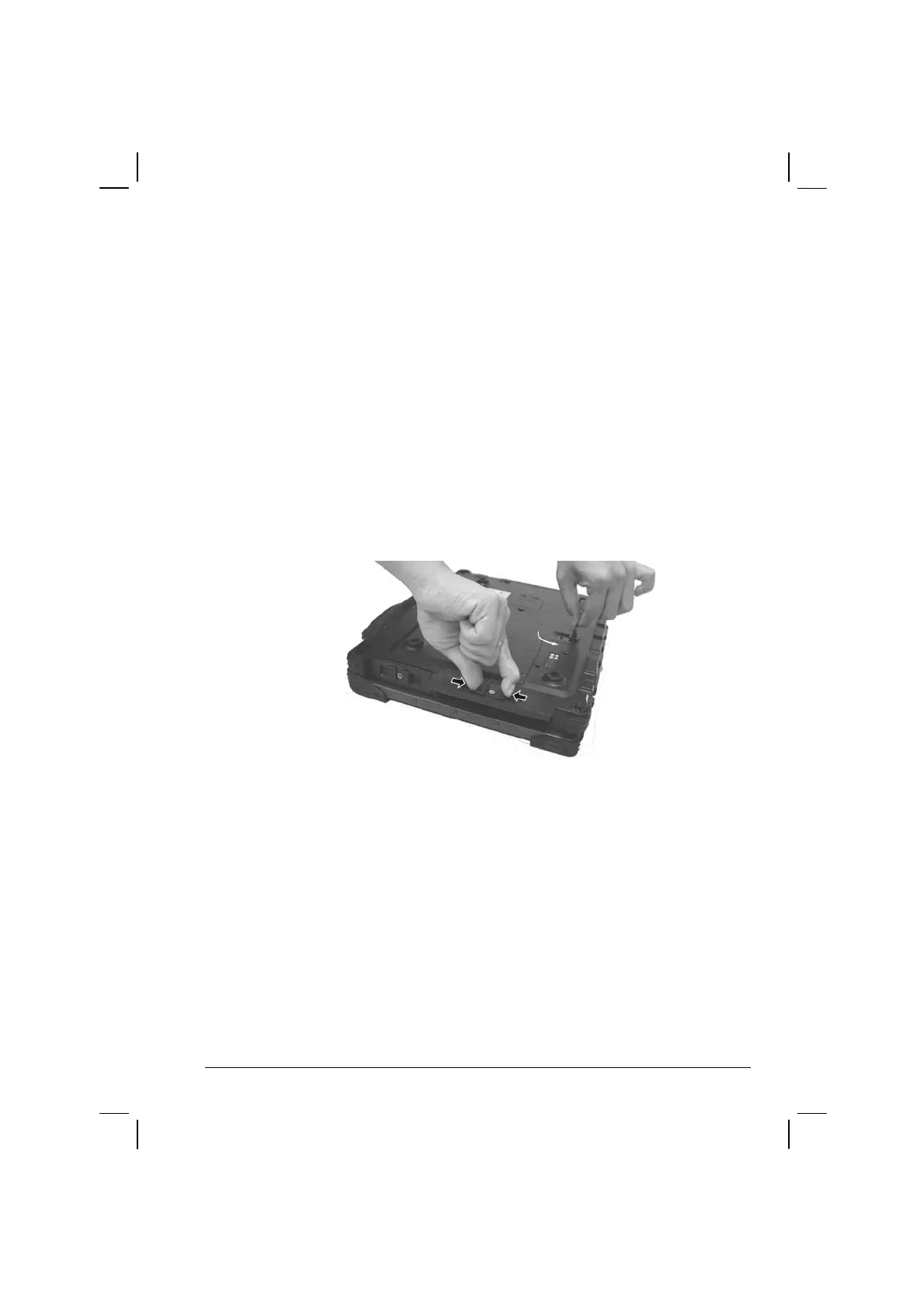
7. Open the optical drive bay cover again by pressing on both sides of
the release latch using your thumb and index fingers.
8. Lift up the handle of the optical drive release knob and turn it
counter-clockwise.
9. Pull out the existing module.
Operating Your Computer 2-19


 To Next Page