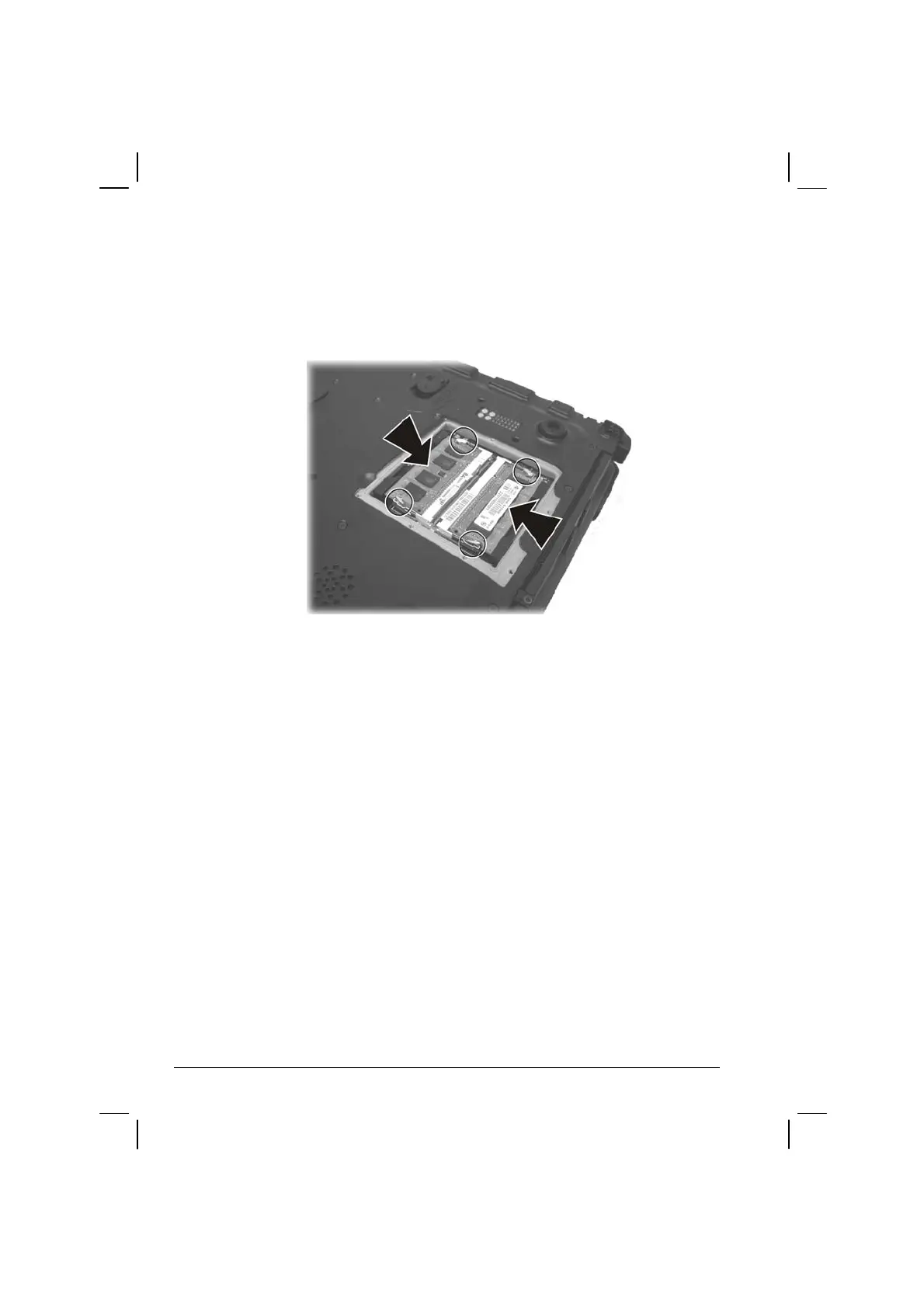
3. To install the SO-DIMM, match the SO-DIMM's notched part with
the socket's projected part and firmly insert the SO-DIMM into the
socket at a 20-degree angle. Then push down until the retaining clips
lock the SO-DIMM into position.
4. Replace the SO-DIMM compartment cover and secure with nine
screws.
4-12 Expanding Your Computer


 To Next Page