7.Abnormal
phenomenon
and
ruled
out
completes.
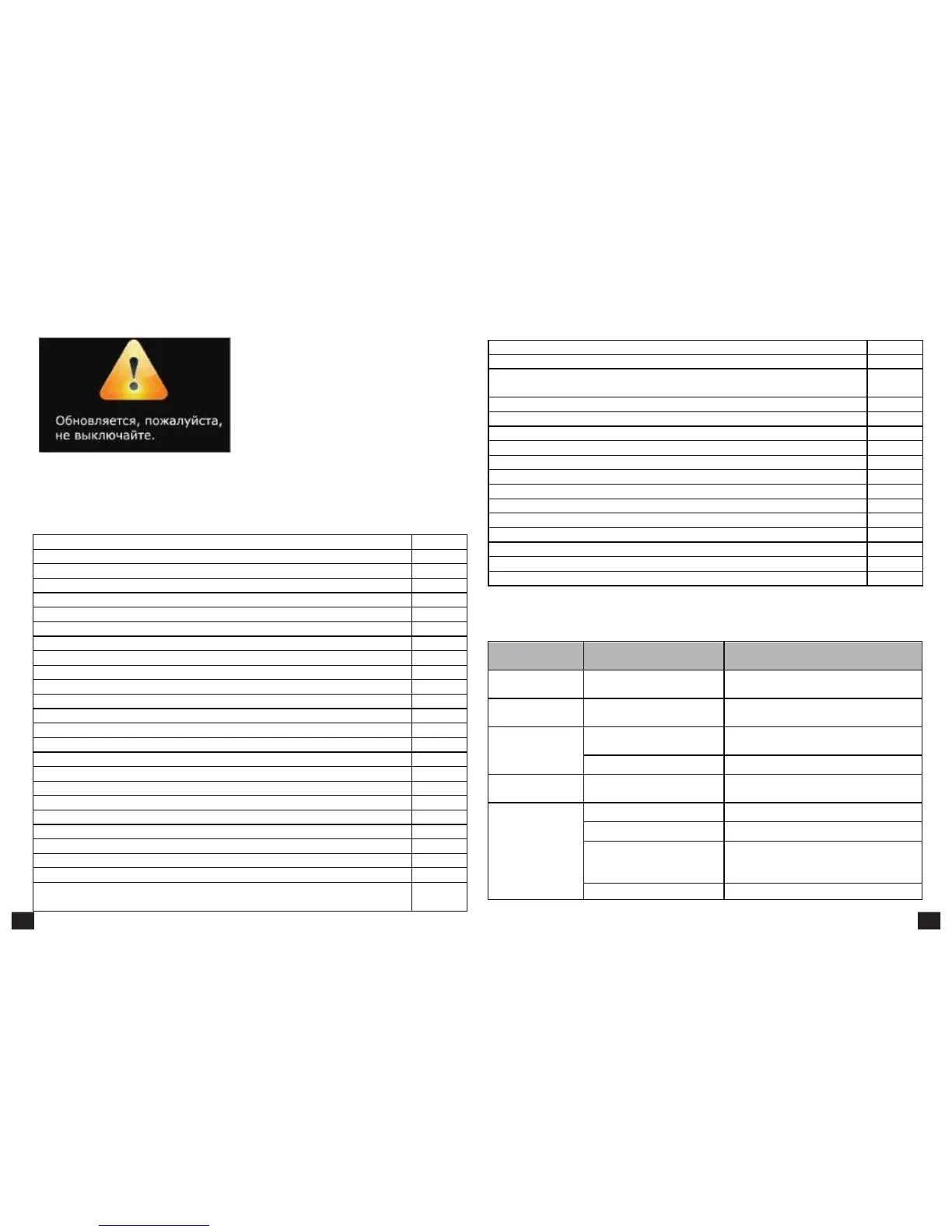
Note: Do not power off when in process of
upgrading
Figure
5-5-13
6. System will automatically reboot and the new system start to running after the whole upgrading
Support local multimedia playing
Support HMTL5 or RTSP video and audio playing
Support hardware accelerating OpenGL2.0
Support Android 2D/3D games
Support video formats
:
mpeg
、
avi
、
mov
、
mp4
、
rm
、
rmvb
、
mp3
Support picture formats: jpeg
、
bmp
、
png
、
gif
Support Multilanguage English, Chinese, Spanish, Polish, Portuguese, Persian
Support USB 2.0 interface×3
Support updating by USB device or SD card.
Support USB HDD and SD card devices
(
FAT32
、
NTFS
)
Support IR remote control
Support USB wireless keyboard and mouse
Support MPEG-1/2/4 ASP
,
DivX 3/4/5
,
XviD
,
H.264
(
1920x1080p @ 30fps
),
VC-1
,
WMV
,
H.263 video
formats
After
start,
without
any
display
The
power
cord
didn't
connect
or socket without electricity
Connected power plug, ensure normal
voltage electrical outlet
Please press the POWER button of the RCU
switch to the operation condition
Channel
selection,
showing
no
signal
Please re-connect signal refer to the system
connection
Television station has no signal
Please try later when having signal
TV
with
Voice
without
Images
Please re-connect the video cables
Audio wire has no connection
Re-connect the Audio lines
Please press mute button to restore volume
Audio setting is abnormal
Please
enter
the
audio
and
video
Settings
menu, select the appropriate sound channel
and language
Support 4:3 and 16:9 screen ratio
Support MPEG 1/2/2.5, Audio Layer 1/2/3
,
WMA Version 4, 4.1, 7, 8, 9, WMA Pro
,
PCM
,
Vorbis
,
Flac
,
ALAC
,
APE
,
AAC-LC, AAC-HE
,
AC-3
,
DTS
,
Real Audio formats
Tuner Model: AV2012+AVLINK 6211
Fully compliant with HD DVB-S2 standard
Reception frequency range:
(
MHZ
):
950 ~ 2150MHz
RF input
(
dBm
):
-65dBm ~ -25dBm



 To Next Page