GA-E7AUM-DS2H Motherboard - 58 -
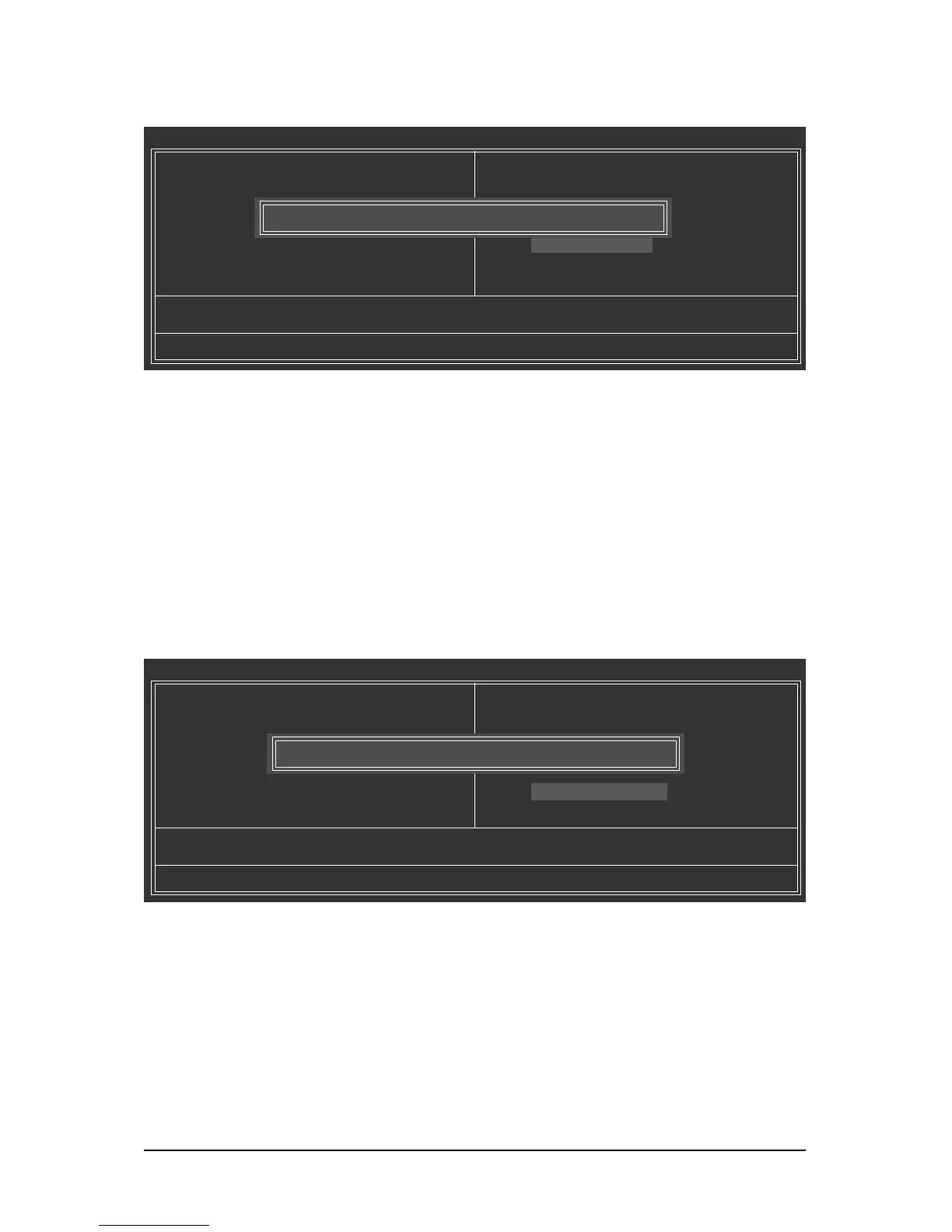
2-13 Save & Exit Setup
2-14 Exit Without Saving
Press <Enter> on this item and press the <Y> key. This saves the changes to the CMOS and exits the
BIOS Setup program. Press <N> or <Esc> to return to the BIOS Setup Main Menu.
Press <Enter> on this item and press the <Y> key. This exits the BIOS Setup without saving the
changes made in BIOS Setup to the CMOS. Press <N> or <Esc> to return to the BIOS Setup Main Menu.
CMOS Setup Utility-Copyright (C) 1984-2008 Award Software
MB Intelligent Tweaker(M.I.T.)
Standard CMOS Features
Advanced BIOS Features
Integrated Peripherals
Power Management Setup
PnP/PCI Configurations
PC Health Status
ESC: Quit : Select Item F11: Save CMOS to BIOS
F8: Q-Flash F10: Save & Exit Setup F12: Load CMOS from BIOS
Save Data to CMOS
Load Fail-Safe Defaults
Load Optimized Defaults
Set Supervisor Password
Set User Password
Save & Exit Setup
Exit Without Saving
Save to CMOS and EXIT (Y/N)? Y
CMOS Setup Utility-Copyright (C) 1984-2008 Award Software
MB Intelligent Tweaker(M.I.T.)
Standard CMOS Features
Advanced BIOS Features
Integrated Peripherals
Power Management Setup
PnP/PCI Configurations
PC Health Status
ESC: Quit : Select Item F11: Save CMOS to BIOS
F8: Q-Flash F10: Save & Exit Setup F12: Load CMOS from BIOS
Abandon all Data
Load Fail-Safe Defaults
Load Optimized Defaults
Set Supervisor Password
Set User Password
Save & Exit Setup
Exit Without Saving
Quit Without Saving (Y/N)? N



 To Next Page