Template Module, Version 2.1, 11.08.2020 / Template Basiseinstellungen: Version 3.1 - 07.07.2020
Getting to know your telephone
COMFORT 550 / 550A / LUG_Kombi IM-Nord en / A31008-M3001-R201-1-SM19 / operating.fm / 4/11/22
14
During a conversation
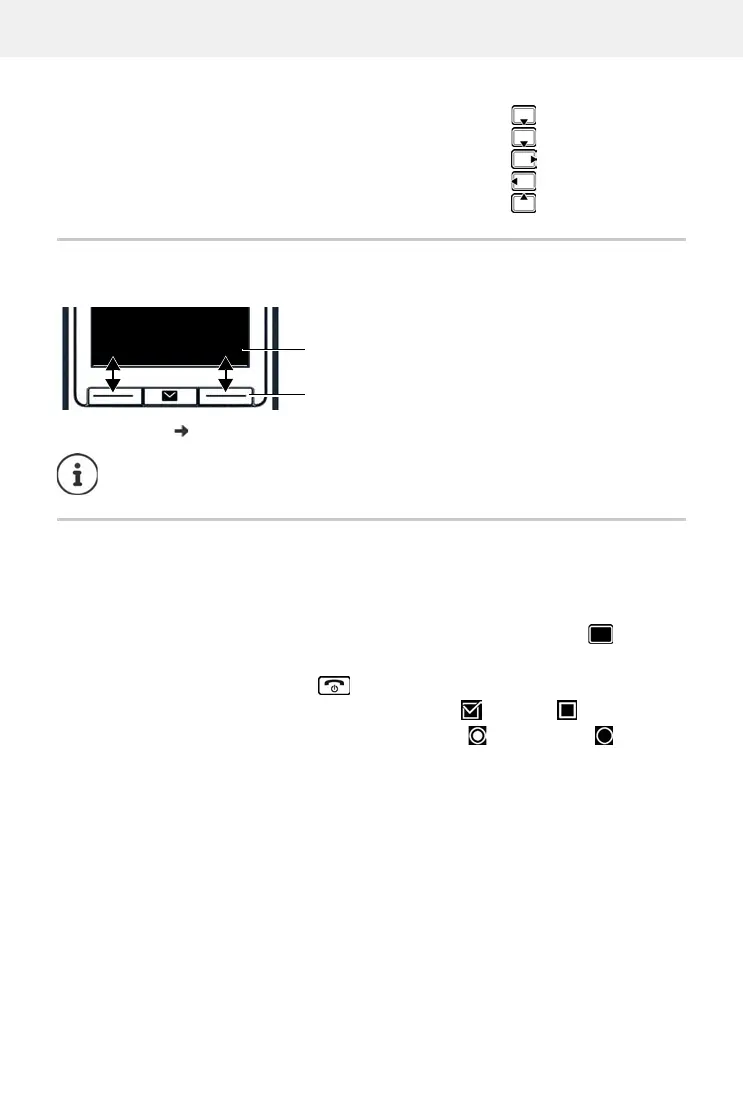
Display keys
The display keys perform a range of functions depending on the operating situation.
Display key icons p. 77
Menu guidance
The functions of your telephone are displayed in a menu that consists of several levels.
Selecting/confirming functions
Open the directory
Open the list of available online directories Press and hold
Mute the microphone
Initiate an internal consultation call
Adjust the loudspeaker volume for receiver and handsfree mode
When the phone is in idle, the display keys have pre-set functions, but they can be reas-
signed.
Confirm selection using OK or press the centre of the control key
One menu level back using Back
Change to idle status Press and hold
Switch function on/off using Change enabled / disabled
Activate/deactivate option using Select activated / not activated
Current display key functions
Display keys
Back Save



 To Next Page