Template Module, Version 2.1, 11.08.2020 / Template Basiseinstellungen: Version 3.1 - 07.07.2020
Getting to know your telephone
COMFORT 550 / 550A / LUG_Kombi IM-Nord en / A31008-M3001-R201-1-SM19 / operating.fm / 4/11/22
16
Entering text
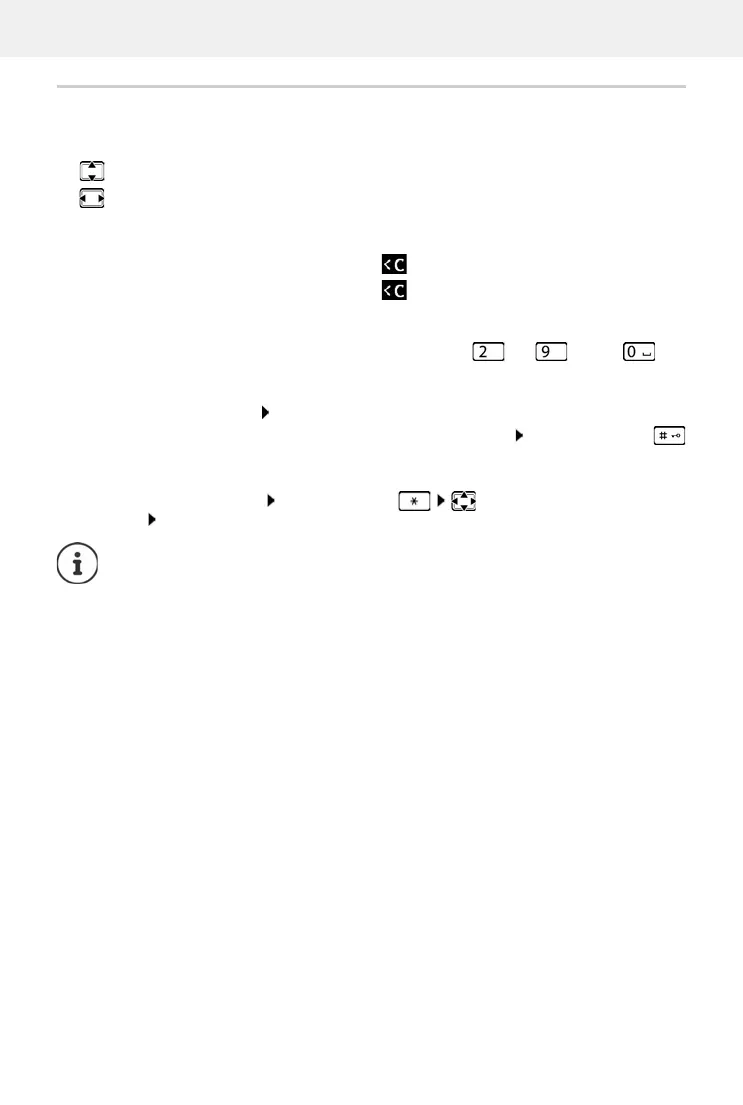
Input position
select an entry field. A field is activated when the cursor is blinking inside it.
move the position of the cursor.
Correcting incorrect entries
Entering letters/characters
Multiple letters and numbers are assigned to each key between and and the key.
As soon as a key is pressed, the possible characters are
displayed at the bottom of the display.
The selected character is highlighted.
• Selecting letters/numbers: Press the key briefly several times in succession
• Switch between lower case, upper case and number entry mode: Press the hash key
When editing a directory entry, the first letter and
each letter following a space is
automatically in upper case.
• Entering special characters: Press the star key navigate to the desired
character Ins
ert
Delete characters to the left of the cursor: Press briefly
Delete wo
rds to the left of the cursor: Press and hold
The availability of special characters depe
nds on the language setting.



 To Next Page