Template Module, Version 2.1, 11.08.2020 / Template Basiseinstellungen: Version 3.1 - 07.07.2020
Local answer machine (if available)
COMFORT 550 / 550A / LUG_Kombi IM-Nord en / A31008-M3001-R201-1-SM19 / answering_m_A.fm / 4/11/22
36
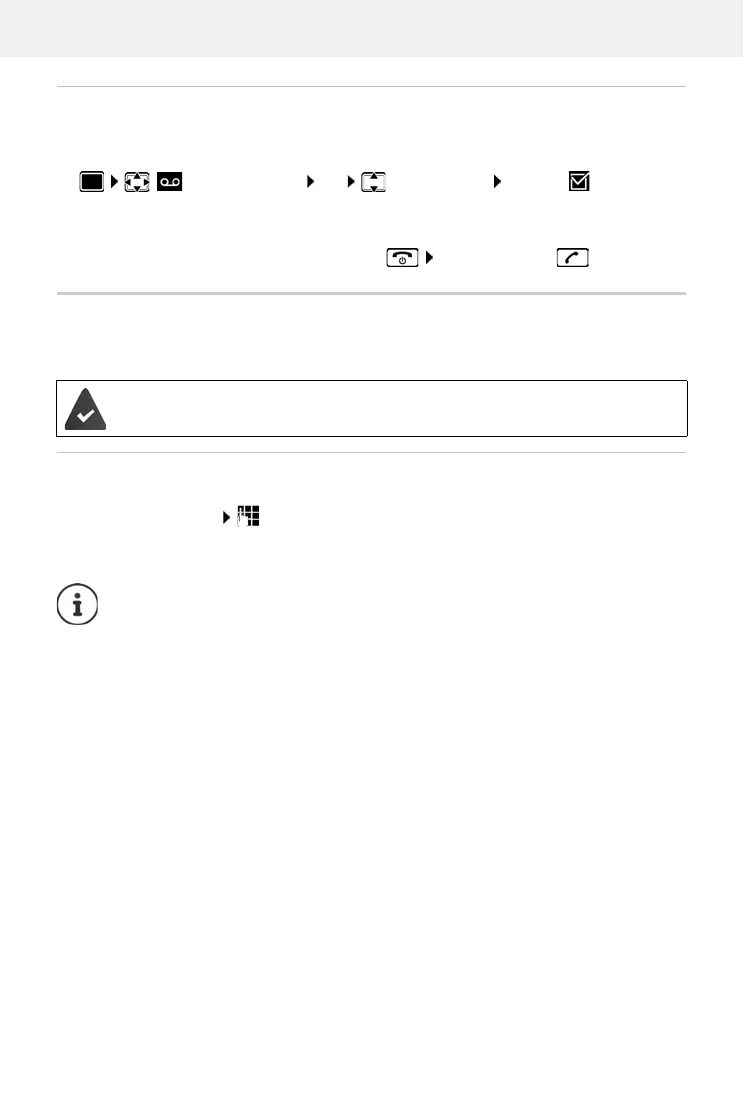
Activating/deactivating call screening
During recording of a message you can screen a call via the handset loudspeaker:
Permanently switching call screening on/off:
Switching off call screening for the current recording:
Press the display key Silent or the End call key Pick up call using
Operating when on the move (remote operation)
Access answer machine or switch answer machine on from another telephone (e.g. hotel, mobile
phone).
Switching on the answer machine
Call the telephone connection and let it ring until the announcement "Please enter PIN"
(approx. 50 seconds) enter the telephone's system PIN within 10 seconds . . . the
answer machine is switched on, the remaining
memory is announced, messages are played
back
Answer Machine OK Call Screening Change ( = activated)
. . . call screening is switched on/off f
or all registered handsets
The system PIN is set to something other than 0000 and the other telephone has tone
dialling (D
TMF).
Incorrect PIN is entered or entry takes too long (more than 10 seconds): The connec-
tion is interrupted. The answering machine remains off.
An answering machine cannot be disabled remotely.



 To Next Page