13
Gigaset CL660A / LUG IE-UK en / A31008-M2804-L101-1-7619 / operating.fm / 3/2/18
Template Go, Version 1, 01.07.2014 / ModuleVersion 1.0
Getting to know your telephone
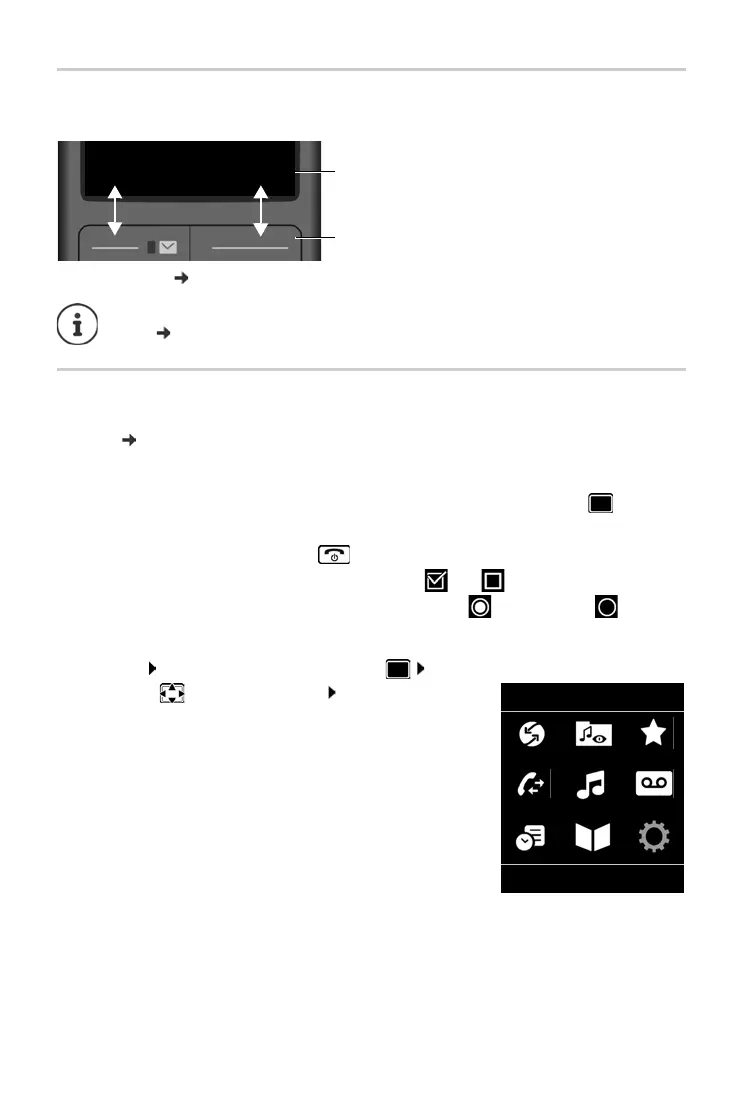
Display keys
The display keys perform a range of functions depending on the operating situation.
Display key icons p. 69.
Menu guidance
The functions of your telephone are displayed in a menu that consists of several levels. Menu
overview p. 71
Selecting/confirming functions
Main menu
In idle status: Press the centre of the control key . . . use
the control key to select a submenu OK
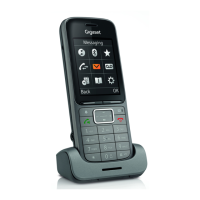
The main menu functions are shown in the display as icons. The
icon f
or the selected function is highlighted in colour and the
name of the associated function appears in the display header.
The display keys have a function preset by defaul
t in idle status. Change the assign-
ment:
p. 59
Confirm selection using OK or pr
ess the centre of the control key
One menu level back using Back
Change to idle status Press and hold
Switch function on/off using Change on / off
Activate/deactivate option using Select activated / not activated
Current display key
functions
Display keys
Back Save


 To Next Page