45
Gigaset CL660A / LUG IE-UK en / A31008-M2804-L101-1-7619 / applications_2.fm / 3/2/18
Template Go, Version 1, 01.07.2014 / ModuleVersion 1.0
Resource Directory
Resource Directory
Sounds for ringtones and images that can be used as caller pictures (CLIP pictures) or as a
screensaver are saved in the handset's resource directory. A range of monophonic and
polyphonic sounds and pictures have been pre-set but further images and sounds can be
downloaded using a PC ( Gigaset QuickSync).
Media types:
If insufficient memory is available, you must delete one or more pictures or sounds before others
ca
n be saved.
Manage CLIP pictures/sounds
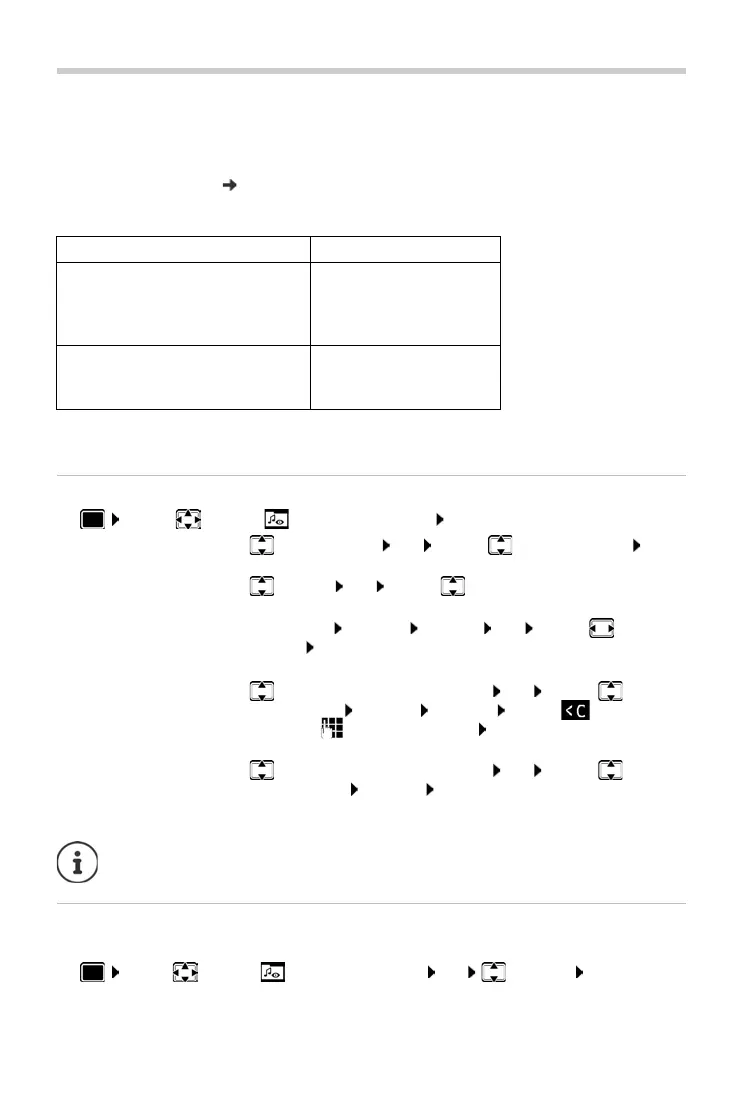
¤ . . . use to select Resource Directory OK . . . possible options:
Check memory
Display the available memory for screensavers and CLIP-pictures.
¤ . . . use to select Resource Directory OK Capacity OK . . . the per-
centage of available memory is displayed
Type Format
Sound Ringtones
Monophonic
Polyphonic
Imported sounds
Internal
Internal
Internal
WMA, MP3, WAV
Picture
CLIP-picture
Screensaver
BMP, JPG, GIF
240 x 172 pixels
240 x 320 pixels
View CLIP-picture:
¤ Caller Pictures OK . . . use to select picture View
. . . the selected picture is displayed
Play sound:
¤ Sounds OK . . . use to select sound . . . the selected
sound is played
Set volume: Options Volume OK . . . use to select
volume Save
Rename picture/sound:
¤ Select Caller Pictures / Sounds OK . . . use to select
sound/image Options Rename . . . use to delete
name, use to enter new name Save . . . the entry is saved
with the new name
Delete picture/sound:
¤ Select Caller Pictures / Sounds OK . . . use to select
sound/picture Options Delete entry . . . the selected entry is
deleted
The relevant options are not available if a picture/sound cannot be deleted.



 To Next Page