36
Template Go, Version 1, 01.07.2014 / ModuleVersion 1.0
Network mailbox
Gigaset CL660A / LUG IE-UK en / A31008-M2804-L101-1-7619 / answering_m_A.fm / 3/2/18
Network mailbox
Entering a number
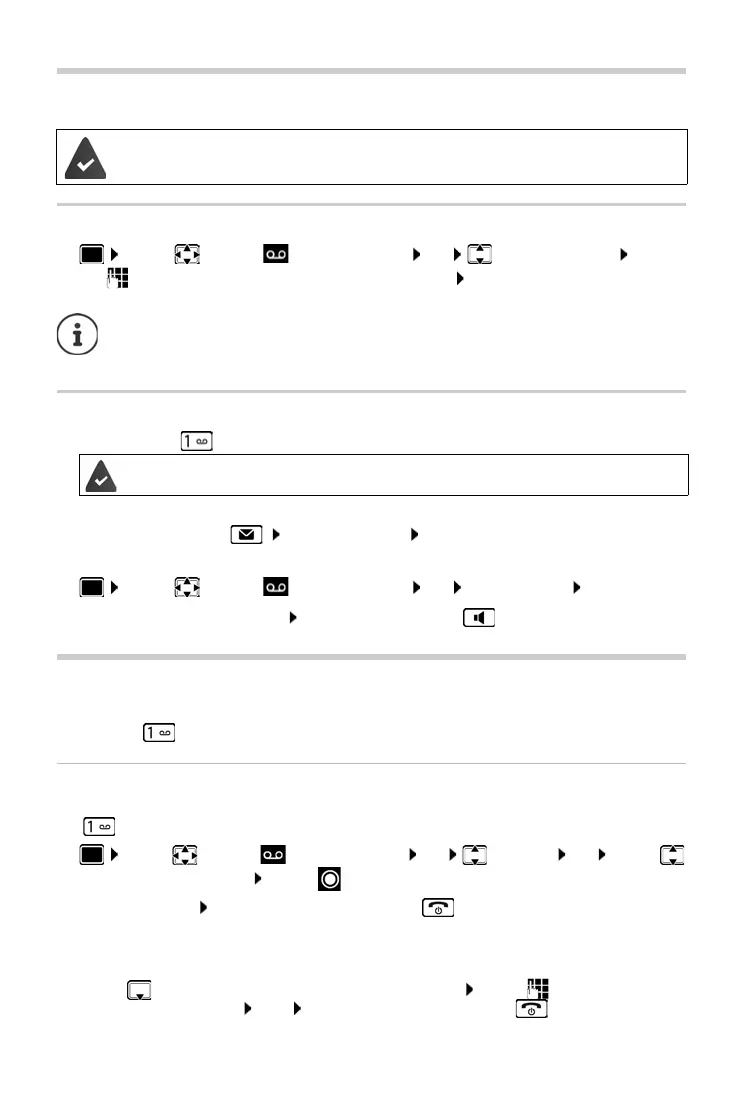
¤ . . . use to select Answer Machine OK Network Mailbox OK . . .
use to enter or amend the network mailbox number Save
Playing back messages
¤ Press and hold
or
¤ Press the Message key Network Mailbox OK
or
¤ . . . use to select Answer Machine OK Play Messages OK
Listen to announcement out loud: Press the handsfree key
Set fast access for the answer machine
It is possible to call a network mailbox or the telephone's local answer machine directly by
pressing key .
Assigning key 1, changing assignment
Settings for the fast access are device-specific. A different answer machine can be assigned to
key on each registered handset.
Return to idle status: Press and hold the End call key
Network mailbox
If no number has yet been saved for the network mailbox:
¤ . . . use to make a change in the line Network Mailbox . . . use to enter the number
of the network mailbox Save Press and hold the End call key (idle status)
The network mailbox has been requested from the network provider.
To activate/deactivate the network mailbox use the phone number and a function
code of your network provider. Please contact the network provider if you require any
further information.
Key 1 has been assigned to the network mailbox.
¤ . . . use to select Answer Machine OK Set Key 1 OK . . . use
to select answer machine Select ( = selected)


 To Next Page