35
Gigaset CL660A / LUG IE-UK en / A31008-M2804-L101-1-7619 / answering_m_A.fm / 3/2/18
Template Go, Version 1, 01.07.2014 / ModuleVersion 1.0
Local answer machine
Deleting announcements/advisory messages
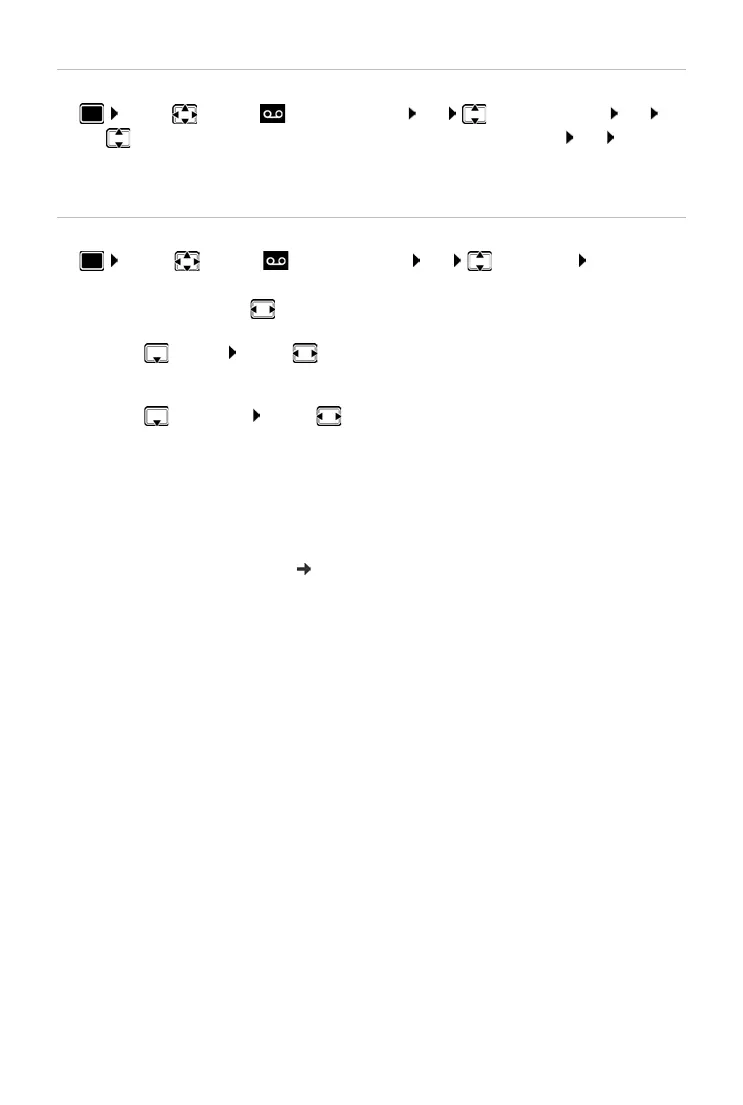
¤ . . . use to select Answer Machine OK Announcements OK . . .
use to switch between Delete Announcem. and Del. Advisory Msg. OK Yes
Once the announcement has been deleted, the relevant pre-recorded announcement is used
again.
Setting recording parameters
¤ . . . use to select Answer Machine OK Recordings OK . . . then
The following apply when setting is Automatic:
• No new messages available: a call will be picked up after 18 seconds.
• New messages available: a call will be picked up after 10 seconds.
When checking messages remotely ( p. 33) it is therefore apparent after 15 seconds that there
are no new messages waiting. No call costs are incurr
ed if the call is ended immediately.
Maximum recording time:
¤ Length: . . . use to select timeframe
Recording quality:
¤ Quality . . . use to switch between Long Play and Excellent (at higher
quality, the max. recording time will decrease)
When should a call be picked up:
¤ Ring Delay . . . use to select a time
Save settings:
¤ Save



 To Next Page