Gigaset E560A / LUG US en / A31008-M2728-R301-1-7619 / answering_m.fm / 1/21/19
Template Module, Version 1.2, 11.09.2018
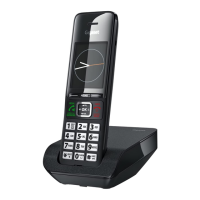
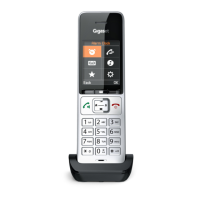
Operating the answer machine
31
en fr es
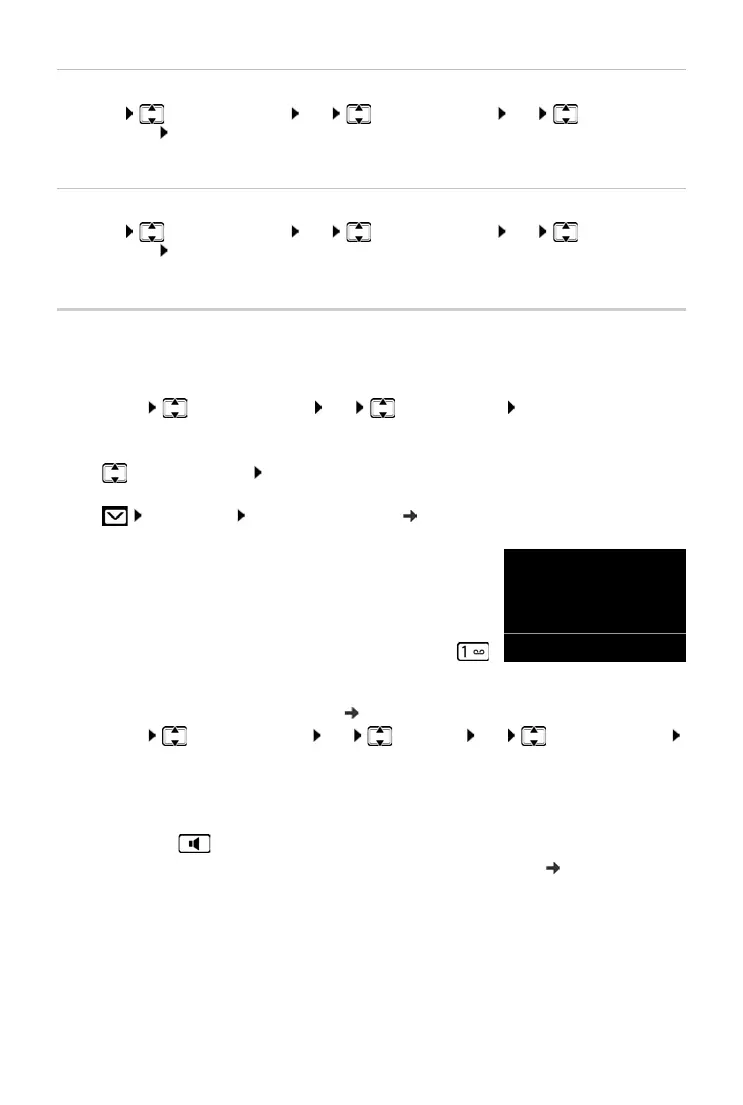
Playing back an announcement
¤ Menu Answer Machine OK Announcements OK Play
Announce. OK
You will hear the default announcement if you have not recorded one of your own.
Deleting your personal announcement
¤ Menu Answer Machine OK Announcements OK Delete
Announce. OK
The default announcement is used again after a personal announcement is deleted.
Playing back messages
There are three ways to start playing back messages on the answer machine.
• Start message playback via the Answer Machine menu:
¤ Menu Answer Machine OK Play Messages OK
If you have entered a number for the network mailbox you still need to select the answer
machine:
¤ Answer Machine OK
• If there are messages, start message playback via the answer machine list:
The list is displayed as follows:
Number of new messages + number of old, played back messages.
• Fast access to the answer machine:
To access the answer machine, simply press and hold the
key – you do not have to select it via the menu.
The integrated answer machine has already been preset at the factory. However, if you have
set the network mailbox for fast access ( page 31), you can change this setting.
¤ Menu Answer Machine OK Set Key 1 OK Answer Machine
OK
The setting for fast access applies to all registered handsets.
If you have new messages, playback will start with the first new message, otherwise with the first
old message. The loudspeaker on the handset switches on automatically. To switch it off, press
the handsfree key .
The date and time of each message is logged (provided this has been set, page 15). If the
phone number was transmitted, the caller's number is displayed. If the caller's number is stored
in the directory, the name from the directory will be displayed.
¤ Answ.Mach. Answ.Mach. (see also page 22)
OK Press the display key to open the list.



 To Next Page