01_09
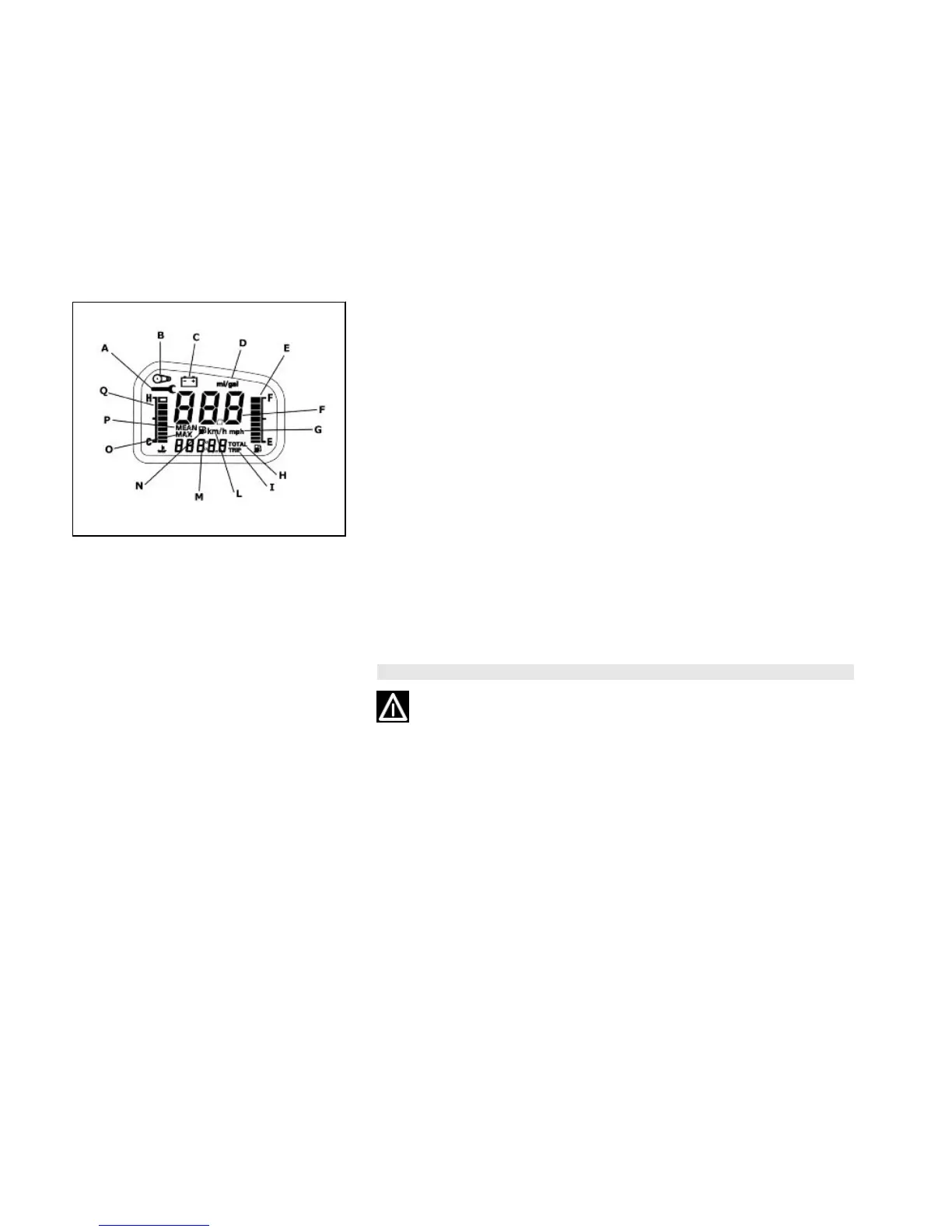
Settingthedatefunction (01_09)
Set «DATE» with the «CLOCK» button. Hold down the «CLOCK» button longer than
3 seconds and the year numbers start flashing. Set the year with the «ODO/SET»
button. Push the «CLOCK» button again and the month numbers@ start flashing. Set
the month with the «ODO/SET» button. Push the «CLOCK» button again and the day
numbers@ start flashing. Set the day with the «ODO/SET» button.
CAUTION
IT IS STRONGLY ADVISED NOT TO USE THE FUNCTIONS OF THE DIGITAL
DISPLAY PANEL WHILE THE VEHICLE IS MOVING.
16


 To Next Page