12. Dispensing coffee, hot water and steam.
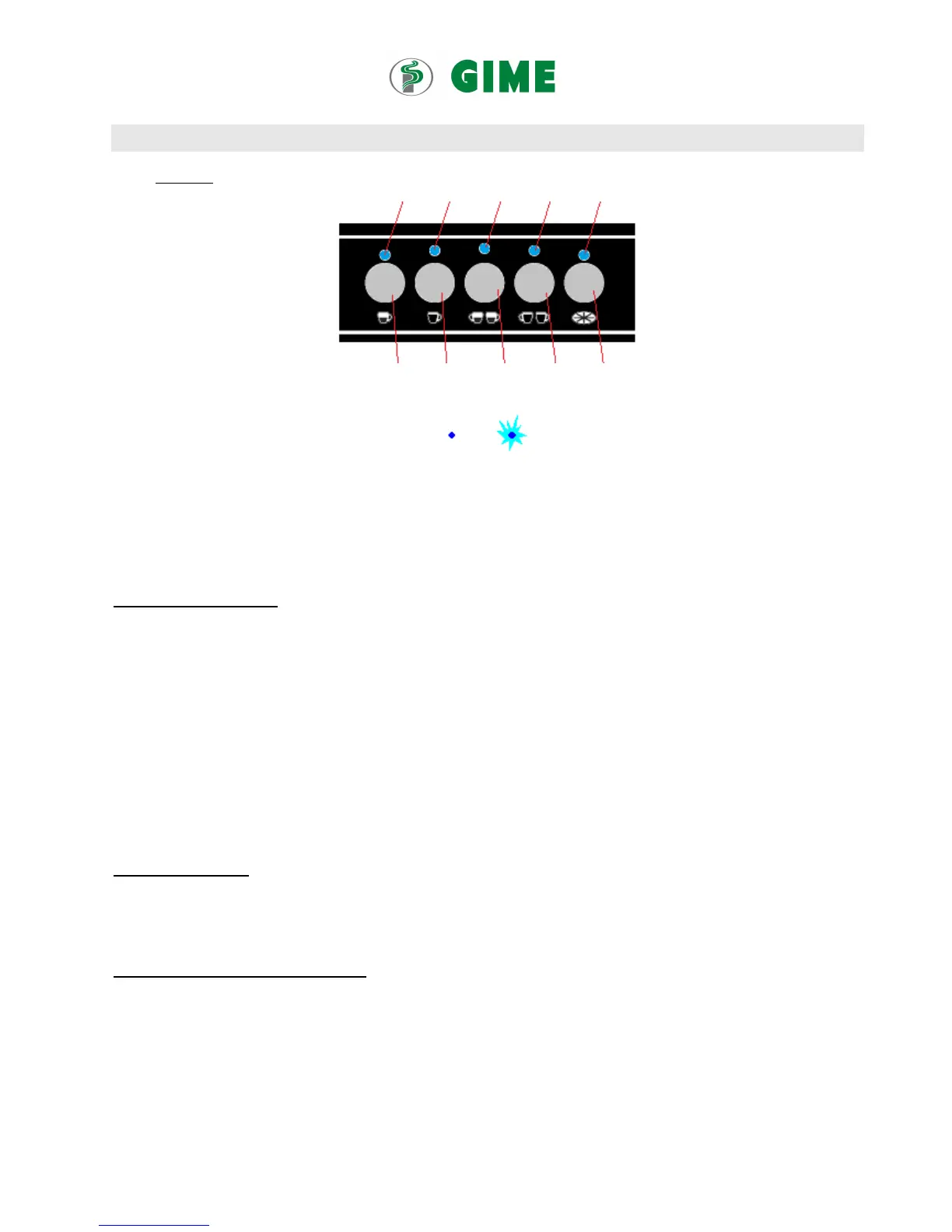
Fig. C Keyboard
L1GRx L2GRx L3GRx L4GRx L5GRx
K1GRx K2GRx K3GRx K4GRx K5GRx
Status of LED
On Flashing
K1GR1, K1GR2, K1GR3: Key erogation 1
th
dose coffee Groups 1, 2, 3
K2GR1, K2GR2, K2GR3: Key erogation 2
nd
dose coffee Groups 1, 2, 3
K3GR1, K3GR2, K3GR3: Key erogation 3
th
dose coffee Groups 1, 2, 3
K4GR1, K4GR2, K4GR3: Key erogation 4
th
dose coffee Groups 1, 2, 3
K5GR1, K5GR2, K5GR3: Key erogation Groups 1, 2, 3
Dispensing espresso coffee
One spout filter holder with the small filter basket to prepare one cup of coffee. Fill app.7-8 grams of ground espresso coffee in
the one-cup metal filter basket and press it lightly.
Two spouts filter holder with the taller filter basket to prepare two cups of coffee. Fill app.14 -15 grams of ground espresso
coffee in the metal filter basket and press it lightly.
To commence coffee production, tighten the filter holder (with the metal filter basket in it) firmly inside the coffee brewing
group. Put one or two cups under the spout (s) of the filter holder.
Now you’re ready to start preparing coffee.
Press K5 if you want to operate without automatic portion control. Press to start and press to stop dispensing of coffee.
Press one of the keys for coffee dispensing with automatic portion control (fig. C; K1, K2, K3, K4,) for automatic operation.
You press to start dispensing and the machine will stop the coffee dispensing by itself once the programmed portion has been
dispensed.
Dispensing hot water
Caution: hot water wands become extremely hot and can cause burns.
Press the key for hot water dispensing with automatic portion control to dispense hot water. You press to start dispensing and
the machine will stop by itself once the programmed hot water portion has been dispensed.
Dispensing steam (for milk frothing etc.)
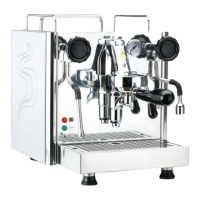
Open carefully the steam valves (fig. A, 4 and fig. A, 10. The hot steam will be dispensed through the steam wands
(fig. A, 2 and fig. A, 12).
Clean the steam wands / end nozzles right after use with a damp clean cloth.
Caution: steam wands become extremely hot and can cause burns!


 To Next Page