C.
TESTING THE MOTION SENSOR
1.
Partially extend the awning.
2.
Physically activate the Motion sensor by pulling down the corner of the lead rail
about 12” and then release. This should create enough movement to activate the
motion sensor.
3.
At this point the awning should retract; if not, check the electrical connections to
the selected power source.
NOTE: The motion sensor will only retract the awning on which it is mounted.
When testing the system verify all of the awnings will close properly from the
fully extended position.
If the system does not operate correctly under these conditions you may:
a.
Provide sufficient power from your panel.
b.
Try reprogramming the motion sensor.
D.
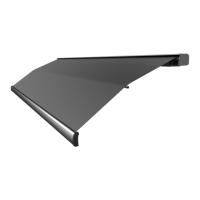
ADJUSTING THE LEAD RAIL
The lead rail has been preset at +/- 3 degrees. This allows it to rest firmly into the
cassette and creates a weather resistant seal for travel. To alter the pitch angle, at each
lead rail connector loosen the lock nut with a 17mm wrench then insert a 5mm Allen
wrench into the Pitch adjustment screw. Turn clockwise to increase or counterclockwise
to decrease the pitch (Figure 8) and then tighten the lock nut.
Fig 8


 To Next Page