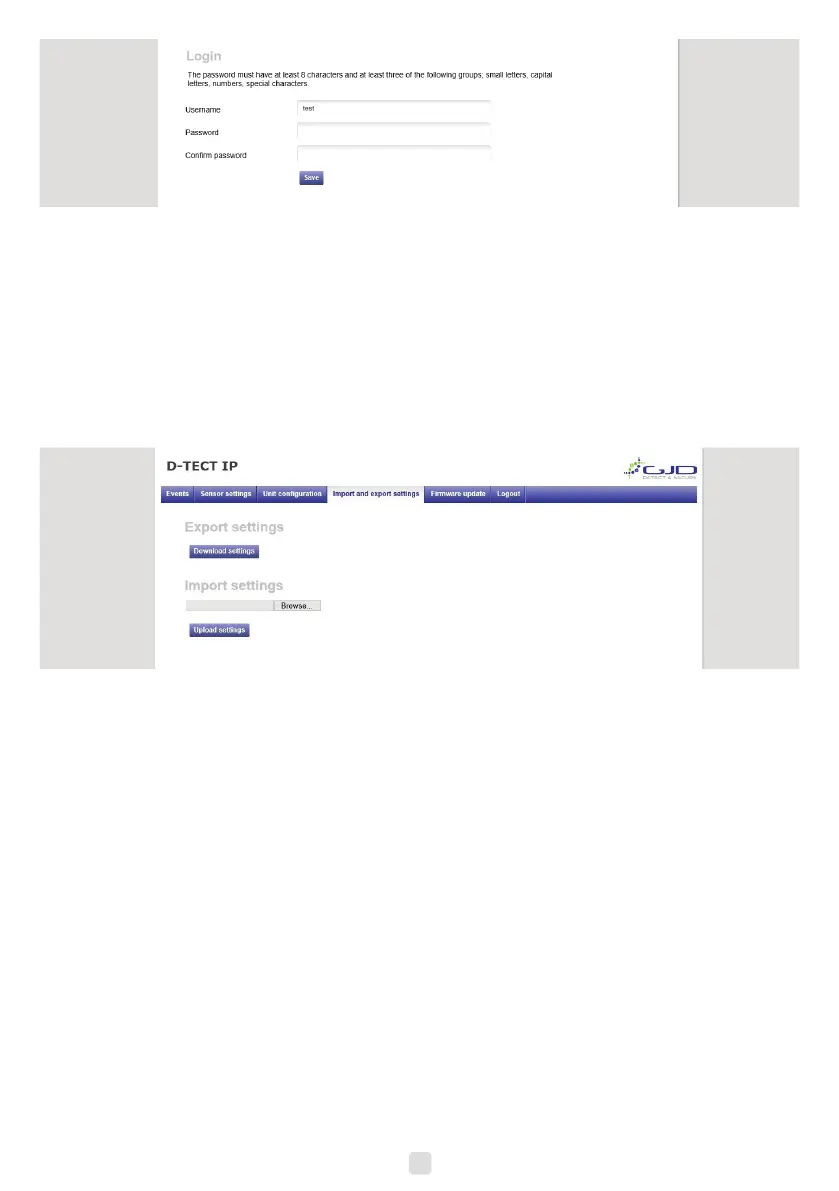
5. To change login, enter a new username and password.
6. Press the save button to conrm.
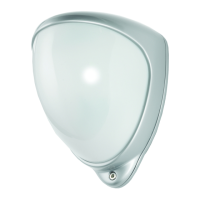
Import and export settings
Alarm settings and I/O conguration can be exported as a le for backup purposes and to copy the settings to other units.
IP address and Login settings are not included in this le.
1. Open the import and export settings tab.
2. Export all current alarm settings and I/O conguration by pressing the Download button. Pay attention to the le
location on your hard drive. The le name is individual for each unit as it includes the unit MAC-address.
7


 To Next Page